Evaluating the Pro Edition
The DbVisualizer Pro edition offers far more features than the Free edition. If you are using the Free edition, it is easy to activate a Pro edition evaluation to see if it suits your needs.
- Request an evaluation license using any of the methods below.
- In the browser window that opens, sign up or log in. The evaluation is then activated for the email address of your account.
Click Restart when prompted after the activation of the evaluation.
If you start DbVisualizer with one of the bundled scripts rather than with the launcher, you need to manually restart DbVisualizer after the activation.
Request an evaluation license
There are several ways to request an evaluation license:
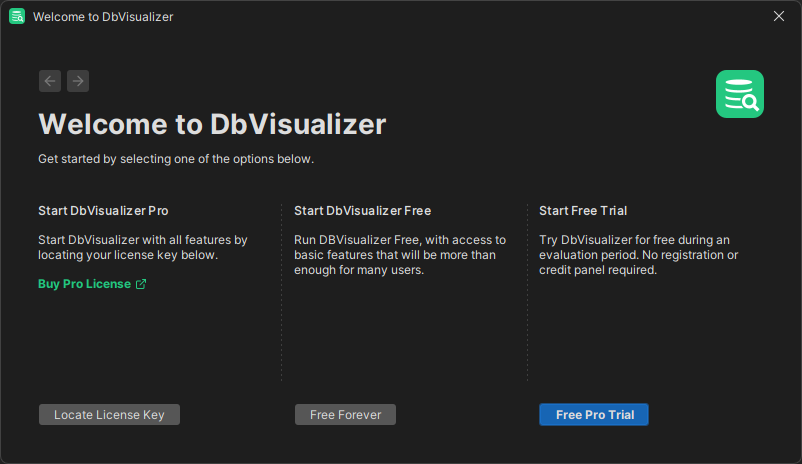
A. When DbVisualizer starts for the first time
When you are asked how you want to start, choose DbVisualizer Pro, and then Free trial (see Starting DbVisualizer).
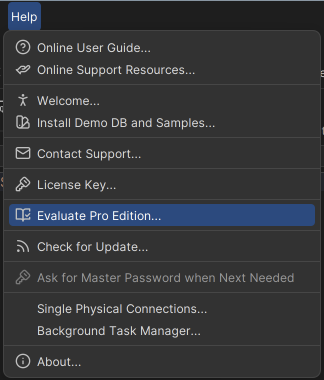
B. From the Help Menu
Select Help → Evaluate Pro Edition. If you are not logged in, click Sign Up in the dialog.
C. From the Welcome Panel
In the welcome panel, click Start Free Trial to request an evaluation license.