Your profile
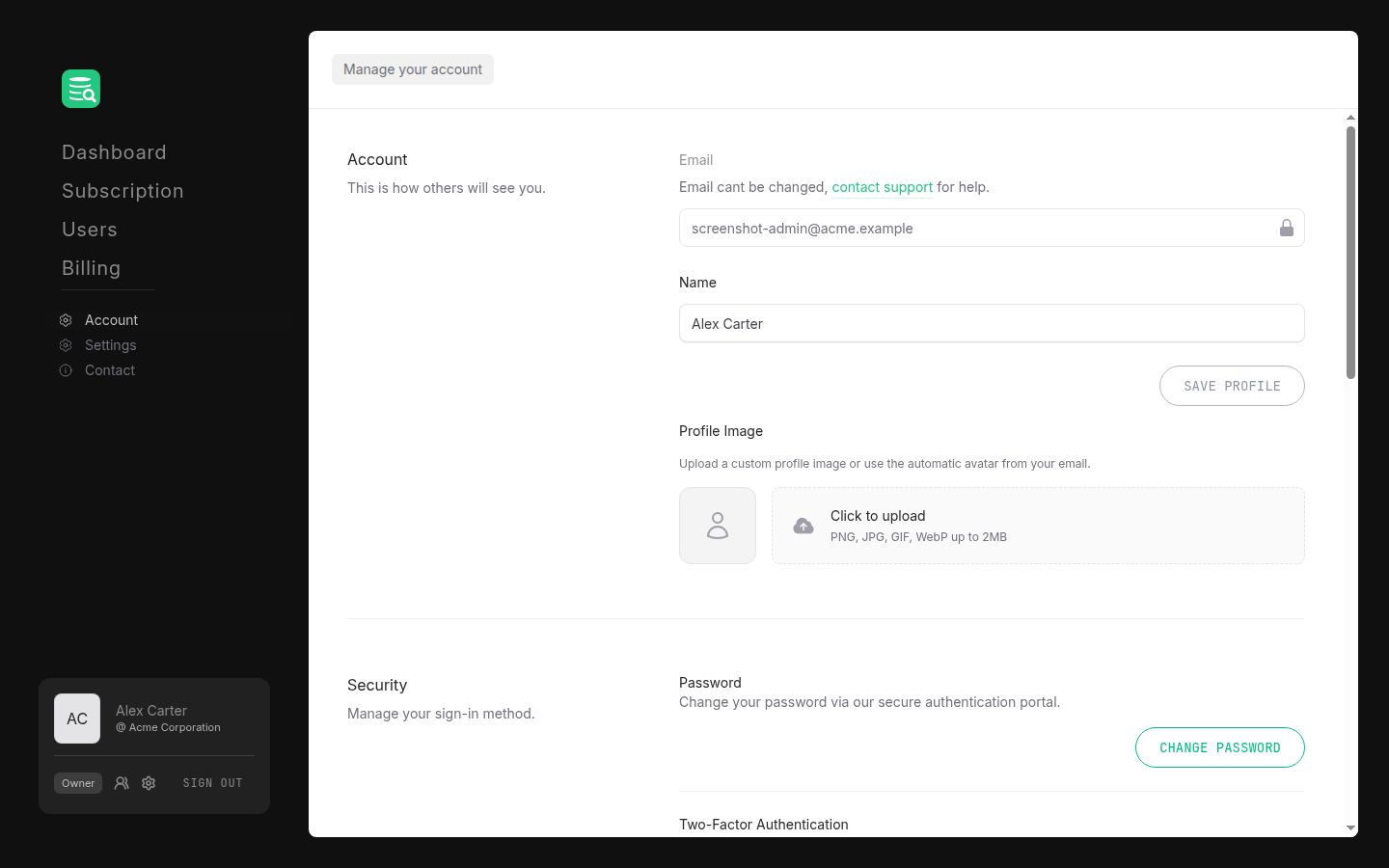
Go to Account in the left sidebar. The Account section at the top is only visible when you are viewing your own account (not when a sales representative is managing your account on your behalf).
Name
Edit your display name in the Name field and click Save profile. The button activates only when you have made a change.
Your email address is read-only and cannot be changed here. Contact support if you need to update it.
Profile image
Below the name form, you can upload a custom photo. Drag a file into the upload area or click to browse. Accepted formats are PNG, JPG, GIF, and WebP up to 2 MB. Once a file is selected, click Save image to apply it.
To revert to the automatic avatar (generated from your email), click the × button on the current photo.