Your profile
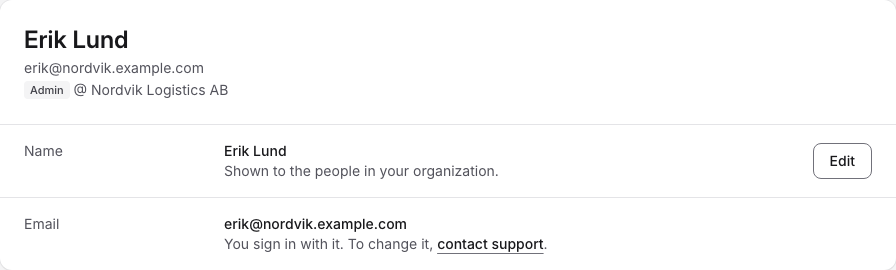
Click your name at the bottom of the left sidebar and choose Account. The top of the page shows your name, your email address and your role in the organization, for example "Admin @ Nordvik Logistics AB".
Name
Your Name is shown to the people in your organization. To change it, click Edit, type the new name in Edit your name and click Save name. The button is enabled once you have changed the name.
You sign in with your Email address, so you can't change it here. To change it, use the contact support link, which opens the Contact page.