Email notifications
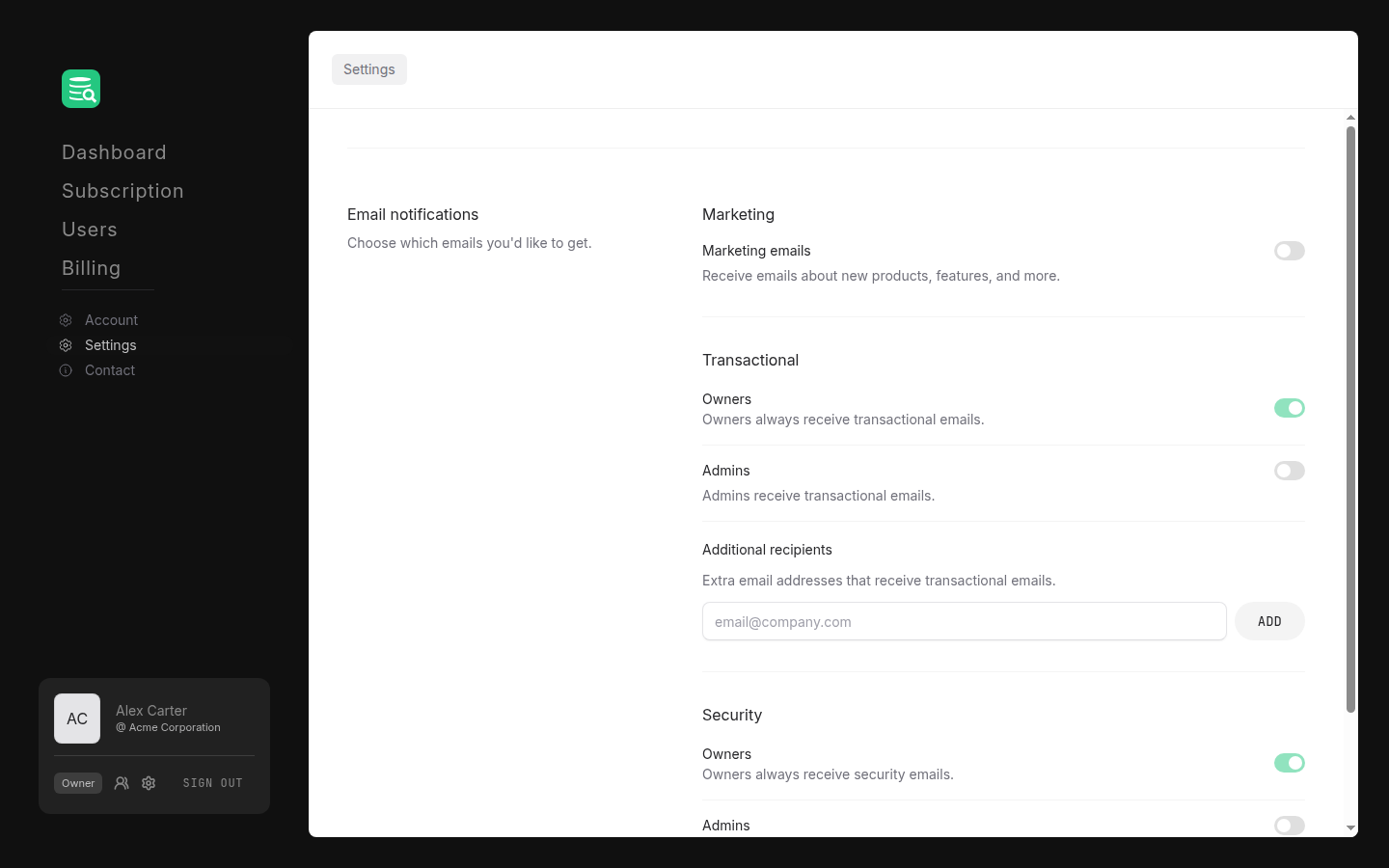
Go to Settings in the left sidebar. The first section, Email notifications, controls which emails your organization receives.
Marketing
Toggle Marketing emails on or off to opt in or out of product news, feature announcements, and similar communications.
Transactional
Transactional emails (order confirmations, license activations, renewals, and similar) are always sent to organization owners; this cannot be turned off. Admins can be included by enabling the Admins toggle.
You can also add individual email addresses under Additional recipients to receive transactional emails alongside the named roles. Type an address and click Add, or press Enter. Remove an address by clicking the × next to it.
Security
Security-related emails (password resets, sign-in alerts, etc.) are always sent to owners. The Admins toggle includes admins in these emails.
Saving changes
Click Save notification settings to apply any changes. The button activates only when something has changed.