
intro
Let's explore, discover, and compare the best dbForge alternatives for database management across MySQL/MariaDB, PostgreSQL, SQL Server, Oracle, and other databases!

dbForge is a database management product developed by Devart. More specifically, it is a bundle of specialized tools to manage popular databases such as MySQL/MariaDB, PostgreSQL, SQL Server, and Oracle. This approach allows each application to deliver deep, database-specific functionality. Yet, if you prefer an all-in-one, highly customizable, multi-database solution, dbForge may not be the perfect fit.
So, let’s explore the top dbForge alternatives for managing and working with both SQL and NoSQL databases!
An Introduction to dbForge
Take some time to get familiar with dbForge and understand why it might be worth considering its alternatives.
What is dbForge?
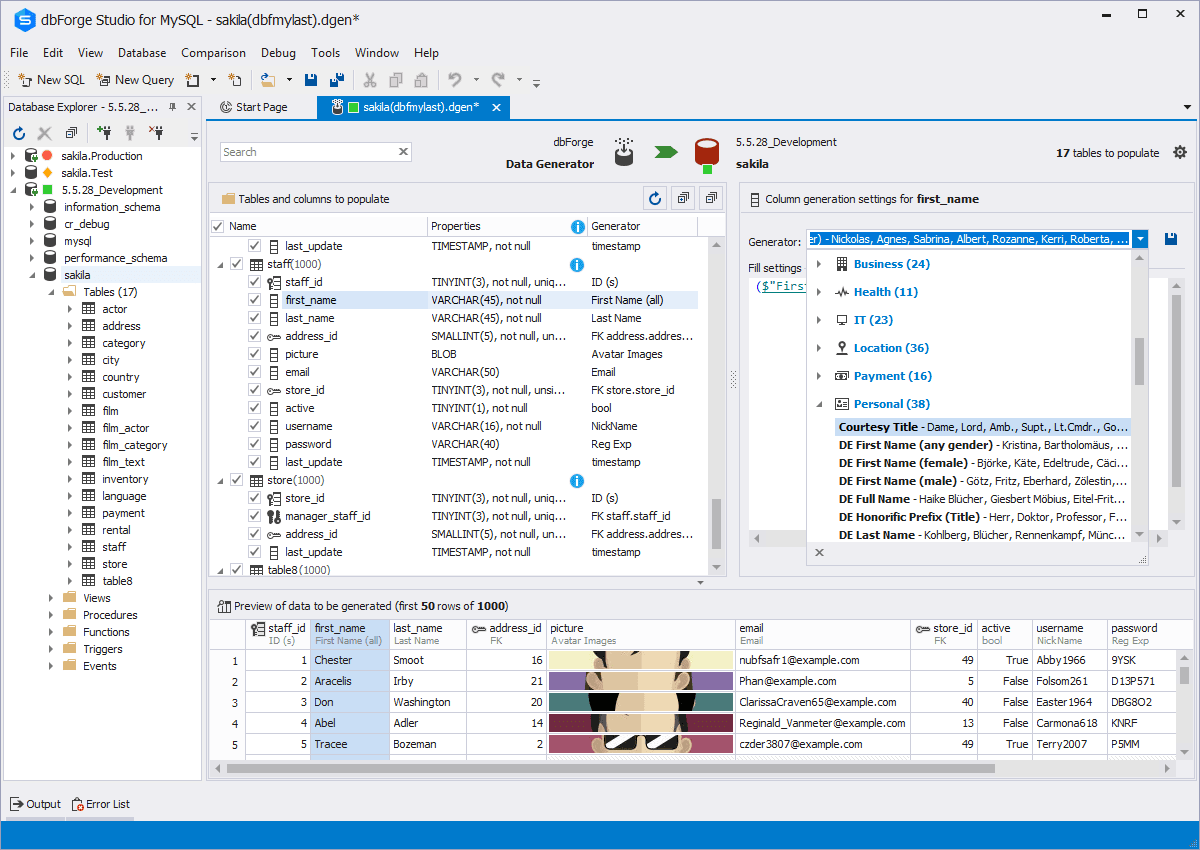
dbForge is a suite of professional database management tools that consists of four main products:
Each edition is available as a free, limited-feature version or as a premium version with full functionality unlocked. The tools can be purchased individually or together through dbForge Edge, a bundle that provides access to all four under a single license.
The main dbForge features include an intelligent SQL editor with AI-powered query generation, visual query generation, ER diagram design exploration, schema and data comparison, and a robust import/export toolkit.
Annual licenses start at $259.95 per individual edition and $769.95 for the dbForge Edge bundle. Perpetual licenses, which grant lifetime access plus one year of updates and support, are also available at higher pricing tiers.
Main Limitations
dbForge is a trusted database tool used by developers and companies worldwide, earning nearly 100 positive reviews on G2. Still, while most users appreciate its capabilities, no tool is without drawbacks (and dbForge is no exception!)
The most notable limitation is that it is not a true all-in-one multi-database solution. Although the dbForge Edge bundle grants access to all individual editions, you still need to install and manage them as separate applications.

That design choice helps the dbForget team achieve strong, database-specific support but can also disrupt your workflow. That is a potential productivity issue for teams or developers working with multiple databases, as you need to keep switching between applications.Another downside is that dbForge only supports four databases (MySQL/MariaDB, SQL Server, Oracle, and PostgreSQL). Thus, there is no support for NoSQL systems or other less common databases.
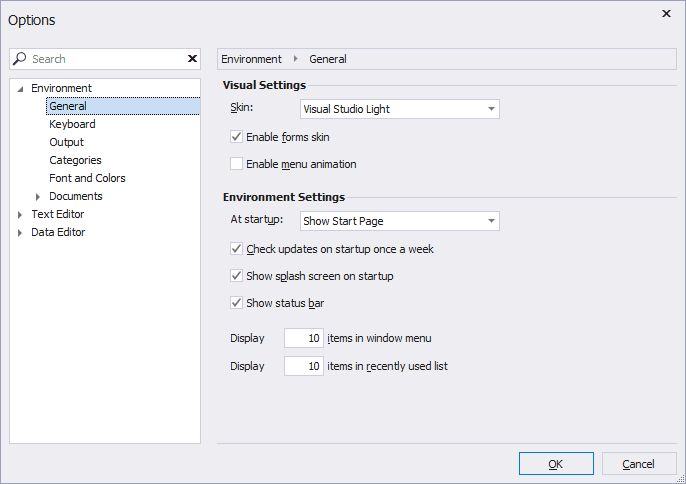
In addition, while most reviews are positive, some users mention a lack of deep customization options, which are generally available in other database tools for developers.
Finally, considering its relatively high pricing compared to competitors, exploring dbForge alternatives might make sense if you prioritize customization, flexibility, and productivity.
What to Look for in Alternative Tools to dbForge
Given the wide variety of tools available, navigating the database client landscape without a clear guide is not easy. That is why it is important to focus on a few key factors when evaluating dbForge alternatives, such as:
Top dbForge Alternatives: Complete Analysis
Compare the best dbForge alternatives, chosen and carefully ranked based on the criteria outlined earlier.
DbVisualizer
📌 Quick facts:
| Founded | 1999, Sweden |
|---|---|
| Supported databases | MySQL, PostgreSQL, SQL Server, Oracle, SQLite, MongoDB, and 40+ others (All popular SQL via JDBC + some NoSQL) |
| Multi-database application | Yes, manage multiple databases from the same desktop application |
| Platforms | Windows, macOS, Linux |
| G2 user rating | 4.7/5 (244 reviews) |
| Customizations | Very high, covering everything from the GUI appearance to data format visualization, colors, fonts, shortcuts, and more |
| Versions | Free forever version + Premium version (with 21-day free trial) |
| Perpetual license | Included in all plans |
| Entry price | $199/year ($89/year from the second year) |
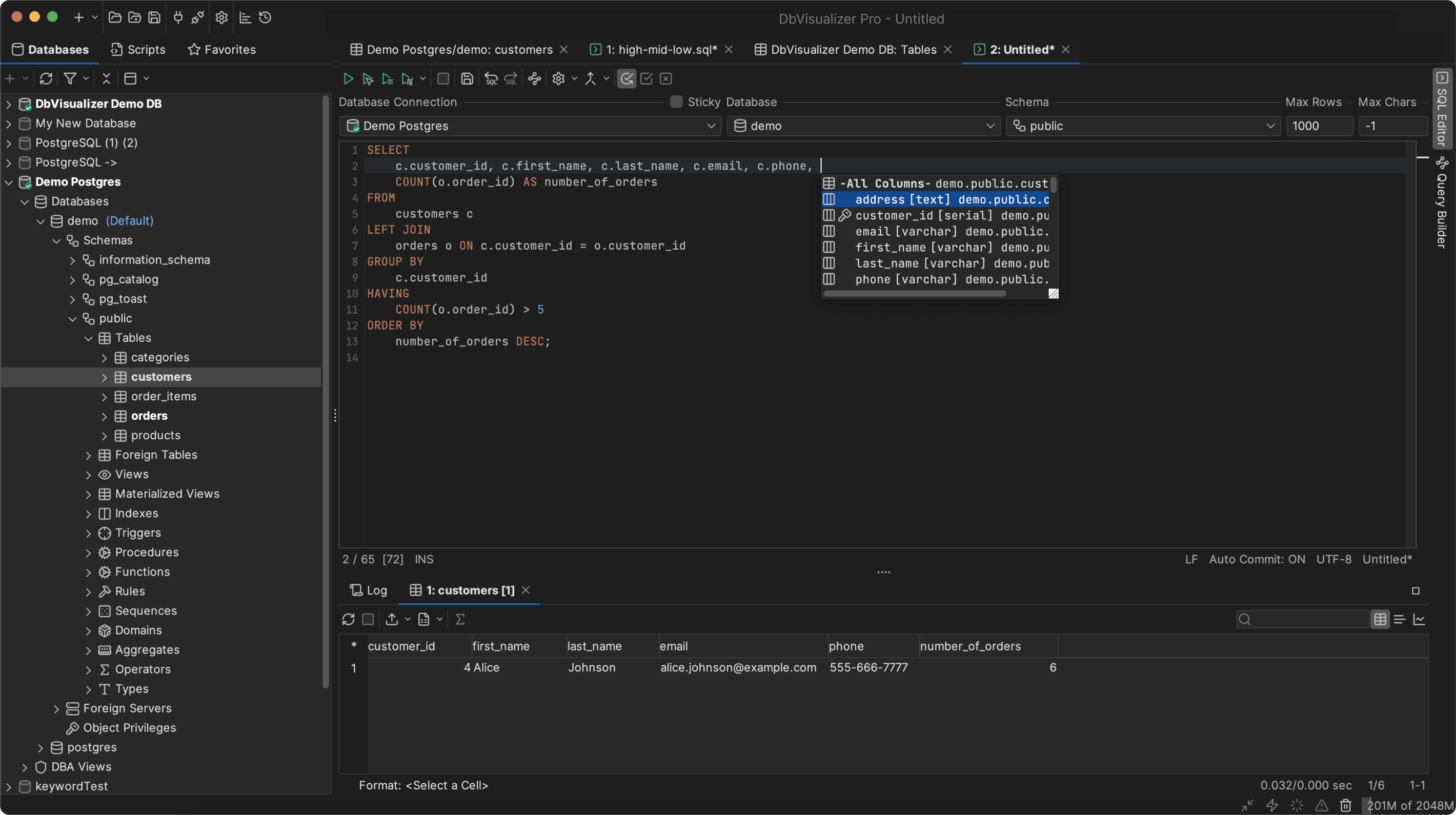
DbVisualizer is a highly rated database client that supports both SQL databases like MySQL, MariaDB, PostgreSQL, SQL Server, and Oracle, as well as NoSQL databases such as MongoDB, Cassandra, Redis, and more. Its database coverage and feature set are significantly broader than dbForge’s.
Unlike the relatively new dbForge, DbVisualizer has over two decades of development, a guarantee of stability and reliability. Also, as opposed to dbForge, it is far more configurable.
The Pro plan comes with a perpetual license, letting you access all versions released during the subscription forever. Pricing starts at $199/year, dropping to $89/year from the second year, much cheaper of dbForge’s plans.
Overall, DbVisualizer stands out as a strong dbForge alternative due to its extensive database support, rich feature set, perpetual licensing, and competitive pricing.
🔧 Features:
Navicat
📌 Quick facts:
| Founded | 2002, Hong Kong |
|---|---|
| Supported databases | MySQL, PostgreSQL, MongoDB, MariaDB, SQL Server, Oracle, SQLite, Redis, Snowflake |
| Multi-database application | Yes + individual solutions for each database |
| Platforms | Windows, macOS, Linux |
| G2 user rating | 4.4/5 (53 reviews) |
| Customizations | Average, with some configuration options for UI, UX, code formatting, etc. |
| Versions | Free forever version + Premium version (14-day free trial) |
| Perpetual license | Available at $1,599.00 (for Navicat Premium) |
| Entry price | $799.99/year (or $399.99/year for non-commercial use) |
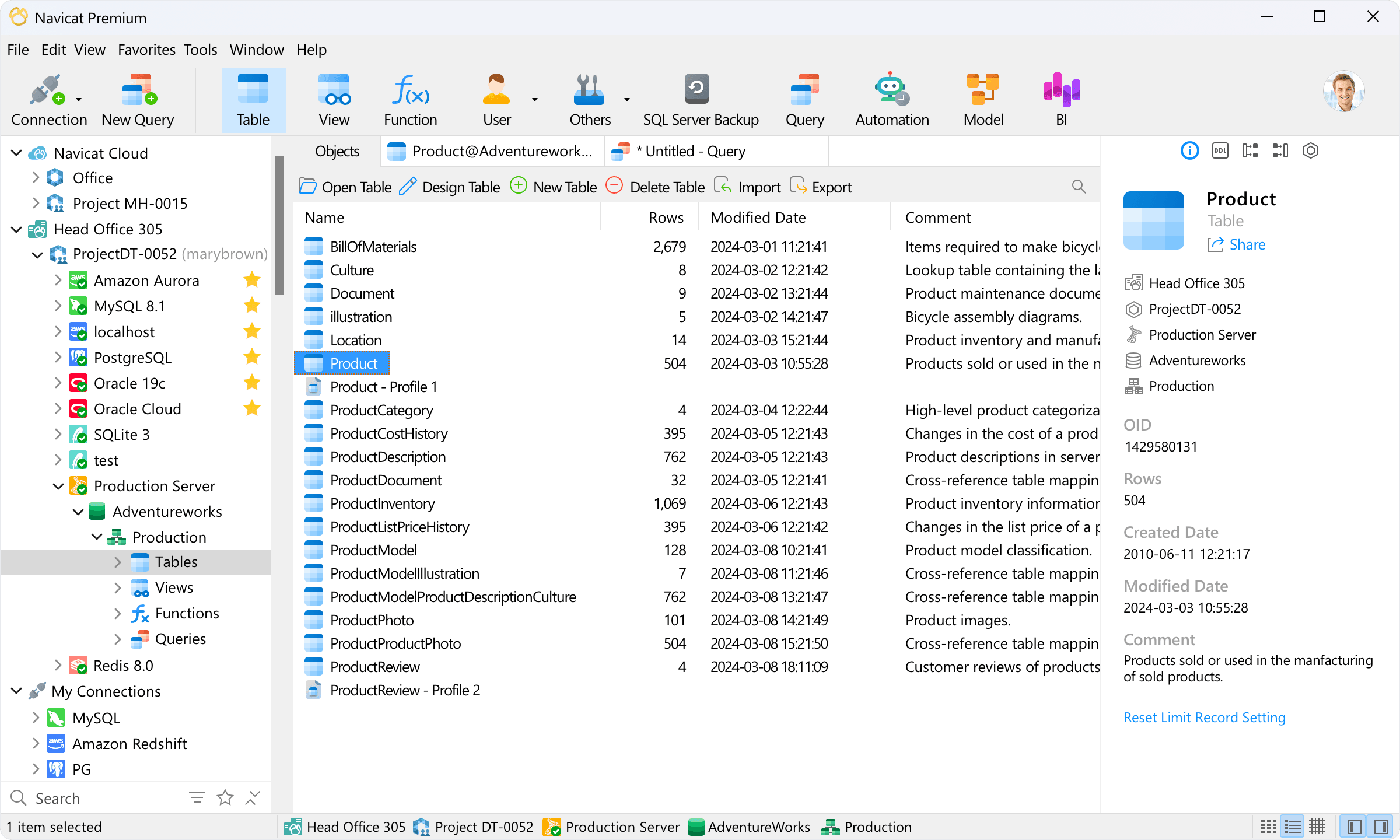
Navicat is a database client with many similarities to dbForge. Both offer perpetual licenses at a high cost. It is also the only dbForge alternative here that provides dedicated, database-specific solutions. Compared to dbForge, Navicat also delivers a single desktop application for managing multiple database types.
🔧 Features:
DBeaver
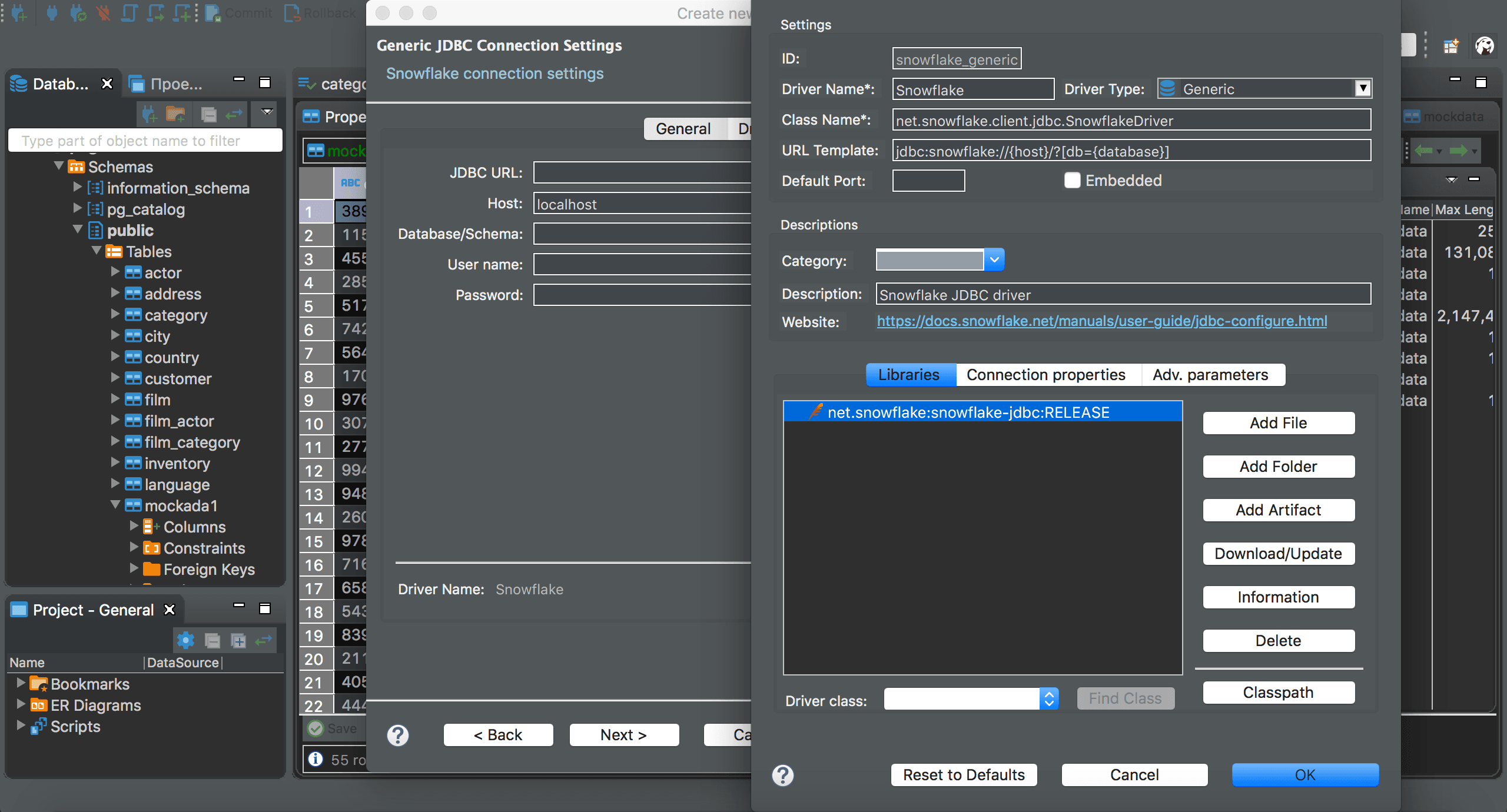
📌 Quick facts:
| Founded | 2011, Russia |
|---|---|
| Supported databases | MySQL, MariaDB, PostgreSQL, SQL Server, Oracle, MongoDB, Redis, and 100+ others through JDBC/ODBC drivers |
| Multi-database application | Yes, via an all-in-one desktop solution |
| Platforms | Windows, macOS, Linux |
| G2 user rating | 4.4/5 (149 reviews) |
| Customizations | High, with multiple toolbar customizations and options for UI, colors, etc. |
| Versions | Free forever open-source version + Premium version (14-day free trial) |
| Perpetual license | Not available |
| Entry price | $110/year |
DBeaver includes all dbForge features and more in a single application. It is the only alternative here with an open-source core, supporting over 100 databases. The main drawbacks are the lack of a perpetual license, meaning the tool stops working when the subscription ends, and a UI that can feel cluttered and somewhat outdated.
🔧 Features:
DataGrip
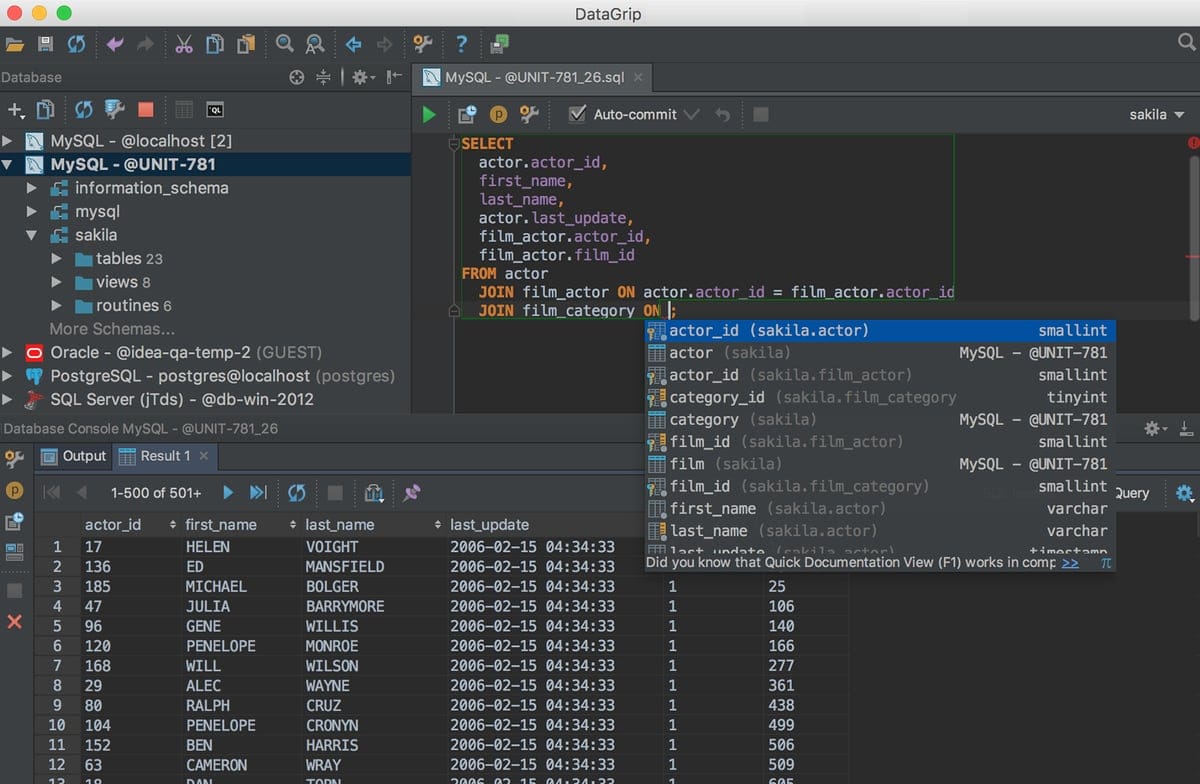
📌 Quick facts:
| Founded | 2015, Czech Republic |
|---|---|
| Supported databases | MySQL, PostgreSQL, SQL Server, Oracle, SQLite, and 20+ others (via JDBC/ODBC drivers) |
| Multi-database application | Yes, via a single desktop solution |
| Platforms | Windows, macOS, Linux |
| G2 user rating | 4.6/5 (125 reviews) |
| Customizations | Very high, with tons of customizations for UI and UX |
| Versions | Free version for non-commercial use + Premium version (30-day free trial) |
| Perpetual license | Available in all yearly subscriptions |
| Entry price | $10.90/month or $109/year for individuals; $25.90/month or $259/year for organizations |
DataGrip is a database management IDE from the JetBrains family. Compared to dbForge, it is an all-in-one desktop application supporting multiple databases. It comes with extensive customization and affordable perpetual licenses included in all yearly plans. The main drawback is the absence of a free version for commercial use.
Take a look at the best DataGrip alternatives.
🔧 Features:
Best dbForge Alternatives: Summary Table
Take a quick look at the dbForge alternative tools reviews in this article using the summary table below:
| Solution | Foundation Year (Location) | Supported Databases | Multi-db Application | Platforms | G2 Rating | Customization Level | Versions Available | Free trial | Perpetual License | Entry Price |
|---|---|---|---|---|---|---|---|---|---|---|
| dbForge | 2005 (Ukraine) | SQL Server, MySQL/MariaDB, Oracle, PostgreSQL | ❌ (only individual solutions for each database) | Windows, macOS, Linux | 4.7/5 (100 reviews) | Average | Free forever + Premium | 30-day free trial | Available for $2,309.95 (for dbForge Edge) | $769.95/year (for dbForge Edge) |
| DbVisualizer | 1999 (Sweden) | MySQL, PostgreSQL, SQL Server, Oracle, SQLite, MongoDB, +40 others (SQL via JDBC + some NoSQL) | ✅ | Windows, macOS, Linux | 4.7/5 (244 reviews) | Very high | Free forever + Premium | 21-day free trial | Included in all plans | $199/year ($89/year from 2nd year) |
| Navicat | 2002 (Hong Kong) | MySQL, PostgreSQL, MongoDB, MariaDB, SQL Server, Oracle, SQLite, Redis, Snowflake | ✅ (+ dedicated versions per individual databases) | Windows, macOS, Linux | 4.4/5 (53 reviews) | Average | Free forever + Premium | 14-day free trial | Available at $1,599 | $799.99/year ($399.99 non-commercial) |
| DBeaver | 2011 (Russia) | MySQL, MariaDB, PostgreSQL, SQL Server, Oracle, MongoDB, Redis, +100 others (JDBC/ODBC) | ✅ | Windows, macOS, Linux | 4.4/5 (149 reviews) | High | Free (open-source) + Premium | 14-day free trial | Not available | $110/year |
| DataGrip | 2015 (Czech Republic) | MySQL, PostgreSQL, SQL Server, Oracle, SQLite, +20 others (via JDBC/ODBC) | ✅ | Windows, macOS, Linux | 4.6/5 (125 reviews) | Very high | Free (for non-commercial use) + Premium | 30-day free trial | Included in all yearly subscriptions | $10.90/month or $109/year (indiv.) |
Since dbForge offers multiple database-specific solutions, you might be looking for the best client for a specific database. If so, refer to these articles:
Summary
There is no universally “best” alternative to dbForge, and the right tool depends on your priorities, such as database coverage, platform compatibility, and productivity needs.
For users seeking broad SQL and NoSQL support, an all-in-one experience, and a mature, cost-effective, highly configurable platform, DbVisualizer is an excellent choice. Its decades-long development ensures stability, and the Pro plan includes a perpetual license at competitive pricing.
Navicat is well-suited for those looking for dedicated, database-specific tools similar to dbForge, while DBeaver and DataGrip are ideal for users who want a multi-database solution.
These dbForge alternatives cover a wide spectrum of use cases, and we hope this comparison blog post helps you find the right tool!
FAQ
Is it better to use a single database management solution or one for each database?
As usual, there is no universal answer, with the right choice that depends on your workflow. A unified, multi-database tool like DbVisualizer, DataGrip, or DBeaver simplifies management and switching between databases, boosting productivity if you work with multiple systems daily. However, database-specific tools like dbForge Studios offer deeper, more optimized support for each platform, making them ideal for teams focused on a single primary database.
What is the best dbForge alternative according to Capterra users?
According to Capterra users, dbForge has a strong rating of 4.6/5 from 59 reviews, making it popular. Still, other database clients score even higher. Navicat has 4.7/5 from 63 reviews, DBeaver has 4.5/5 from 77 reviews, and DbVisualizer leads with 4.8/5 from 121 reviews. These ratings suggest that while dbForge is well-regarded, DbVisualizer is considered the top alternative by user feedback.
Which database tools offer the most customization?
DbVisualizer and DataGrip are both known for extensive customization options, including UI colors, font sizes, custom shortcuts, security settings, and more. These features are important for tailoring the interface to your workflow and maximizing productivity. Explore the DbVisualizer docs for more details.


