Searching All Open Editors
To find text in all open editors at once, select File → Search Open Editors, or Find → Search Open Editors in the right-click menu of an editor.
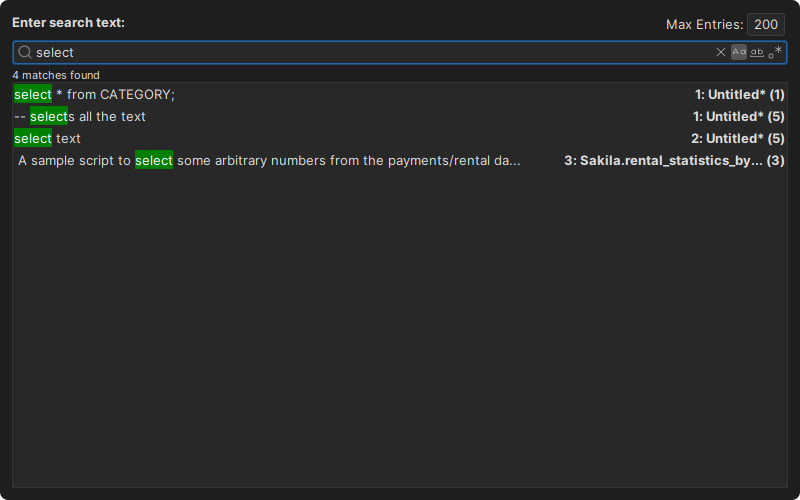
Type the text to find, and press Enter. Use the buttons next to the field to match the case (Match Case), match whole words (Match Word) or use a regular expression (Match Regexp). Max Entries is the maximum number of results; a negative number shows all results.
Each result shows the line with the match, the editor and the line number. Double-click a result to open its editor, with the find bar showing the matches.
To change the color of the highlighted matches, change the quick filter background color in the General / Appearance / Grid Colors category in Tools → Tool Properties.