Creating a Monitored Query
A monitor is an SQL script in the Monitors folder in the Files tab. You create and manage it like any other script; see Using the Files Tab. A monitor must contain a single statement that returns a result set, such as a SELECT statement. Client-side commands, such as @export, aren't supported.
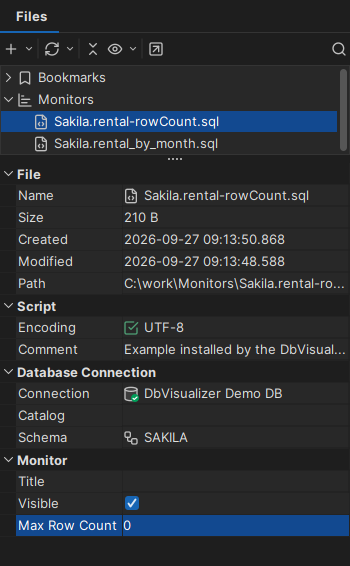
When you select a monitor in the Files tab, its details are shown below the tree, where you can change them:
- Connection, and optionally Catalog and Schema: where to run it.
- Title: the title of its result.
- Max Row Count: how many rows of results to keep. Each run adds rows to the result, and when the limit is reached, the oldest rows are removed. With 0 or a negative number, the default for a new monitor, the result is replaced on each run.
- Visible: whether the result is shown in the Monitor window.
To hide the details, right-click a node and clear Show → Show Details.
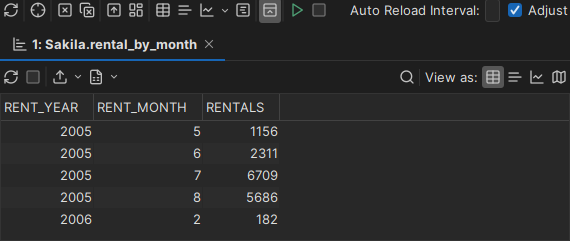
The result of a monitor run, in this example the rentals per month:
Monitoring the row count of a table
To follow the number of rows in a table, right-click the Data tab of the table, or a result set, and select Create Row Count Data Monitor. Enter a name and choose a folder for the monitor. The Monitor window then opens. The monitor returns one row per run, with the time and the number of rows. Its Max Row Count is 100.
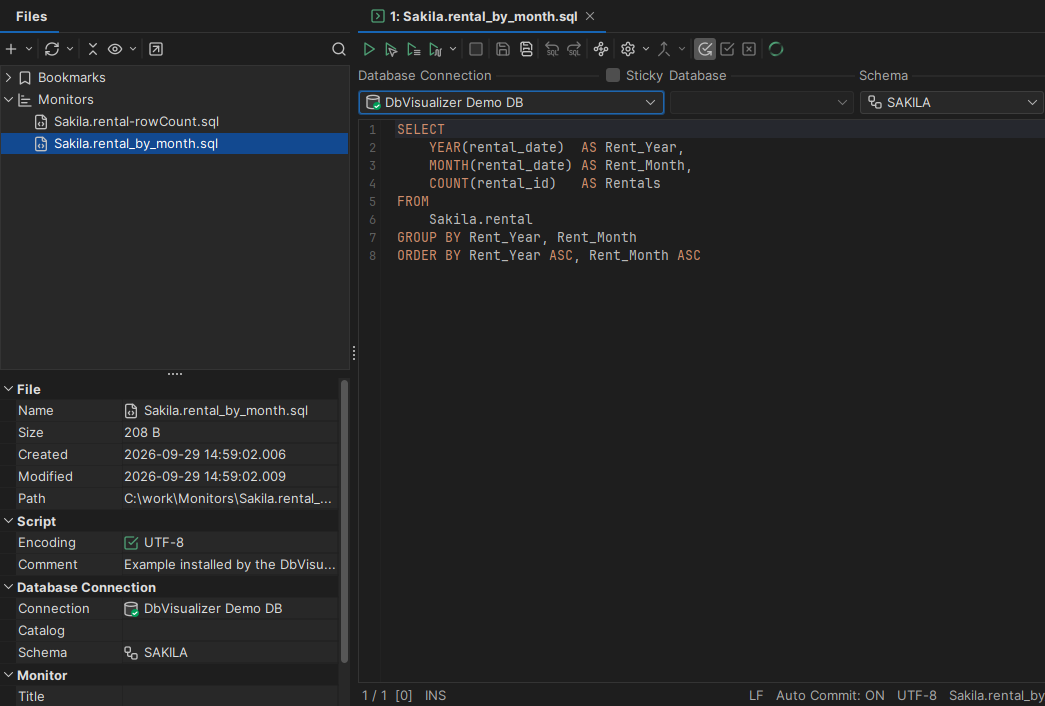
SELECT '${dbvis-date}$ ${dbvis-time}$' AS PollTime,
       COUNT(*) AS NumRows
FROM RENTAL
The time comes from the ${dbvis-date}$ and ${dbvis-time}$ variables, so it is the time on your computer, in the date and time formats set in Tools → Tool Properties. You can change the SQL, but keep the PollTime and NumRows names.
Monitoring the change in row count
To also see how much the number of rows changes between runs, select Create Row Count Diff Data Monitor instead. It adds the column NumRowsChange:
SELECT '${dbvis-date}$ ${dbvis-time}$' AS PollTime,
       COUNT(*) AS NumRows,
       COUNT(*) - ${NumRows||count(*)}$ AS NumRowsChange
FROM RENTAL
For each column in the result of a monitor, there is a variable with the value from the previous run. Here, ${NumRows||count(*)}$ is the number of rows from the previous run, and the first time, count(*), so the first change is 0. You can use these variables in your own monitors in the same way.