intro
In this ever-changing world, collaboration between developers is key. Version control is something many have heard about, but only some fully understand. Here’s what versioning is, how it works, and what your database has to do with it all.

If you’re a developer, you’ve most likely heard about git, even used it quite extensively. The majority of us did and do so to this day and with Git being an indispensable helper for all kinds of developers, we often get accustomed to what it does so much that we don’t even think about it. Here’s how Git plays in tandem with your database.
What is Git and What It’s Used For?
At its core, Git is a versioning control system that helps everyone track changes in code and collaborate with other developers in the team. Developers use Git to version their code, queries, and things related to them meaning that Git, and version control in extension, is quite essential for collaboration, tracking changes, and maintaining an organized workflow.
Think about it: when working on a complex project, multiple team members might be writing and contributing code to the same project, tweaking, fixing something, and committing something to Git makes the commit visible to all of the team members. Without a version control system, keeping track of all changes could quickly become overwhelming. Git helps with:
What Does My Database Have to Do with This?
Git does not directly work with your database unless you’re versioning your database schema, queries, CTEs, or stored procedures. At the same time, the way queries and procedures are managed can be improved by using version control practices. Version control matters for your database because:
Provided that each SQL file represents a change or some action (e.g. creating a table, adding or modifying data, or the like), you can put files inside of Git and provide a meaningful message depicting the change like depicted below. That should get you started in terms of tracking what happened to schemas and the tables within:
                    1
                    # initialize a new Git repo inside a directory db-project


                    2
                    git init db-project


                    3
                    # stage the messages-table.sql file for a commit (before committing)


                    4
                    git add messages-table.sql


                    5
                    # commit or save changes with a comment


                    6
                    git commit -m "Added a modified messages table pertaining to the users in the CMS"
While Git may not be the most popular choice for those tracking database operations, it’s quite surprising what can be done with it from a database point of view.
If you find yourself using Git to track changes to your database schemas, tables, and the procedures within, you’re likely going to need an SQL client to help you understand what’s happening with your database on a deeper level. Database clients like DbVisualizer will help you with:
Besides that, DbVisualizer also comes with a set of permissions and other features that can be set within the tool to ensure that certain types of queries are allowed to execute only in certain environments.
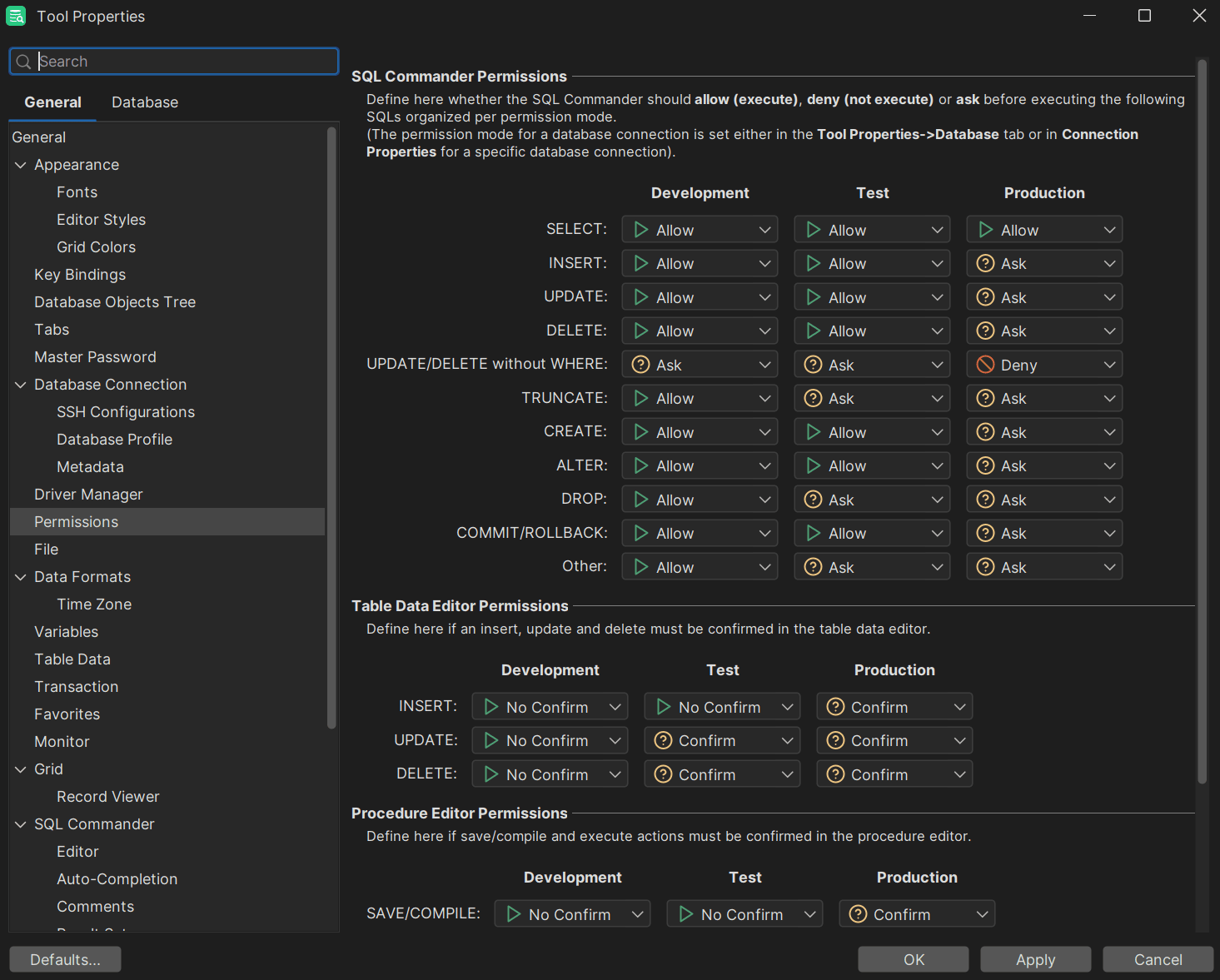
In this regard, DbVisualizer isn’t alone: there are lots of SQL clients that you may be familiar with, but what sets DbVisualizer apart are its unique features, ability to suggest SQL code upon writing it, versatility, and of course, user-friendly design that makes it an excellent choice for database professionals and developers looking to streamline their workflow alike. Start versioning your SQL queries and give DbVisualizer a try today: you won’t be disappointed.
Conclusion
Git is a key tool in the life of many developers and while many know what it is, what it does, and what it’s used for, not many developers think of it as a database versioning tool. In terms of databases, Git can help us track schema changes as well as mark or track different parts of a project or specific features related to it.
Git isn’t your primary tool for completing database operations - at the same time, it can be used in ways that previously were unimaginable.
FAQ
What Relevance Does Git Have for Database Operations?
Git fits into the world of database operations by helping developers version their queries, CTEs, tables or relationships within them, or entire database schemas, thus facilitating collaboration and effective future use. Git also plays a key role in managing database migrations and changes.
How Best to Track Changes in a Database?
To track changes in a database, consider:
Besides Tracking Changes, Is There Something Else To Take Care Of?
Yes. Besides tracking the changes made to your database and data within, you should also consider educating yourself on the internals of the database management system you find yourself using by scrolling through blogs, reading books, or educating yourself by going to seminars, conferences, or workshops to further learn about databases and their internals.