intro
This blog explores your options for setting up MySQL HeatWave. Have a read!
MySQL HeatWave is a cloud service by Oracle that combines MySQL with built-in, in-memory analytics, enabling fast transactional and analytical queries on the same data without complex data movement or separate systems.
Want to learn more about setting up MySQL HeatWave? You’re in the right place!
Why MySQL HeatWave?
MySQL HeatWave aims to simplify the architecture of applications by allowing developers and DBAs to deal with transactional and analytical tasks without the necessity to integrate separate appliances or databases.
Why Adopt MySQL HeatWave
There are the main five reasons why developers choose this service:
Aside from the strengths mentioned above, it’s worth keeping in mind that MySQL HeatWave is a managed service across the Oracle Cloud Infrastructure (Oracle OCI), meaning that Oracle handles most of the tasks usually needed to be handled by developers like the setup and optimization of your database environment.
…And Why Not
At the same time, HeatWave doesn’t come without issues (OCI means that you’re essentially locked in to Oracle, pricing depends on your usage patterns, and support for databases outside of MySQL is limited), however, it does present a way to quickly deal with issues concerning OLAP and OLTP workloads.
How to Set Up MySQL HeatWave
To set up MySQL HeatWave, you need to keep in mind that it’s integrated with the MySQL Database Service.
Log in to your Oracle Cloud Console account and ensure that a MySQL Database Service is created:
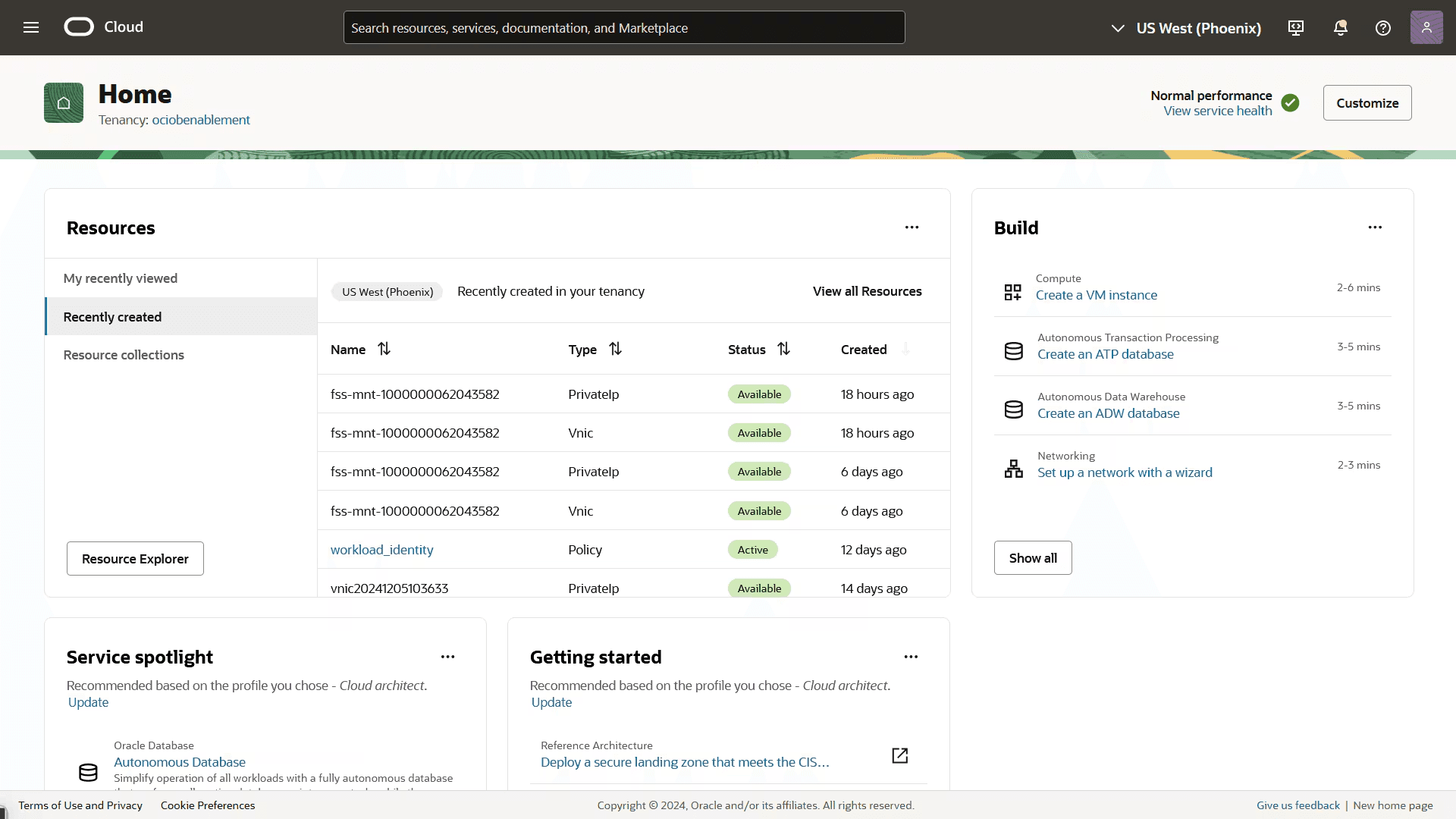
If it’s not created, set it up by specifying the MySQL version, resources for the instance, and other details.
Once you’ve set up MySQL HeatWave, import data into your MySQL instance like usual (connect to the instance through the CLI and import an SQL backup file):
                    1
                    mysql -u [username] -p[password] -h [hostname] dbname < /your/backup/location/data.sql
Once that’s done, you may want to review the configuration of MySQL HeatWave. HeatWave should automatically configure your database for analytical queries, but you can also fine-tune some aspects of it.
Come back to the OCI Console in your Oracle account, navigate to the “MySQL HeatWave” option, and allocate how much memory you want HeatWave to use for in-memory data processing. This is pretty easy to do and you should be able to set these things up after clicking on your database name underneath the MySQL HeatWave fleet summary:
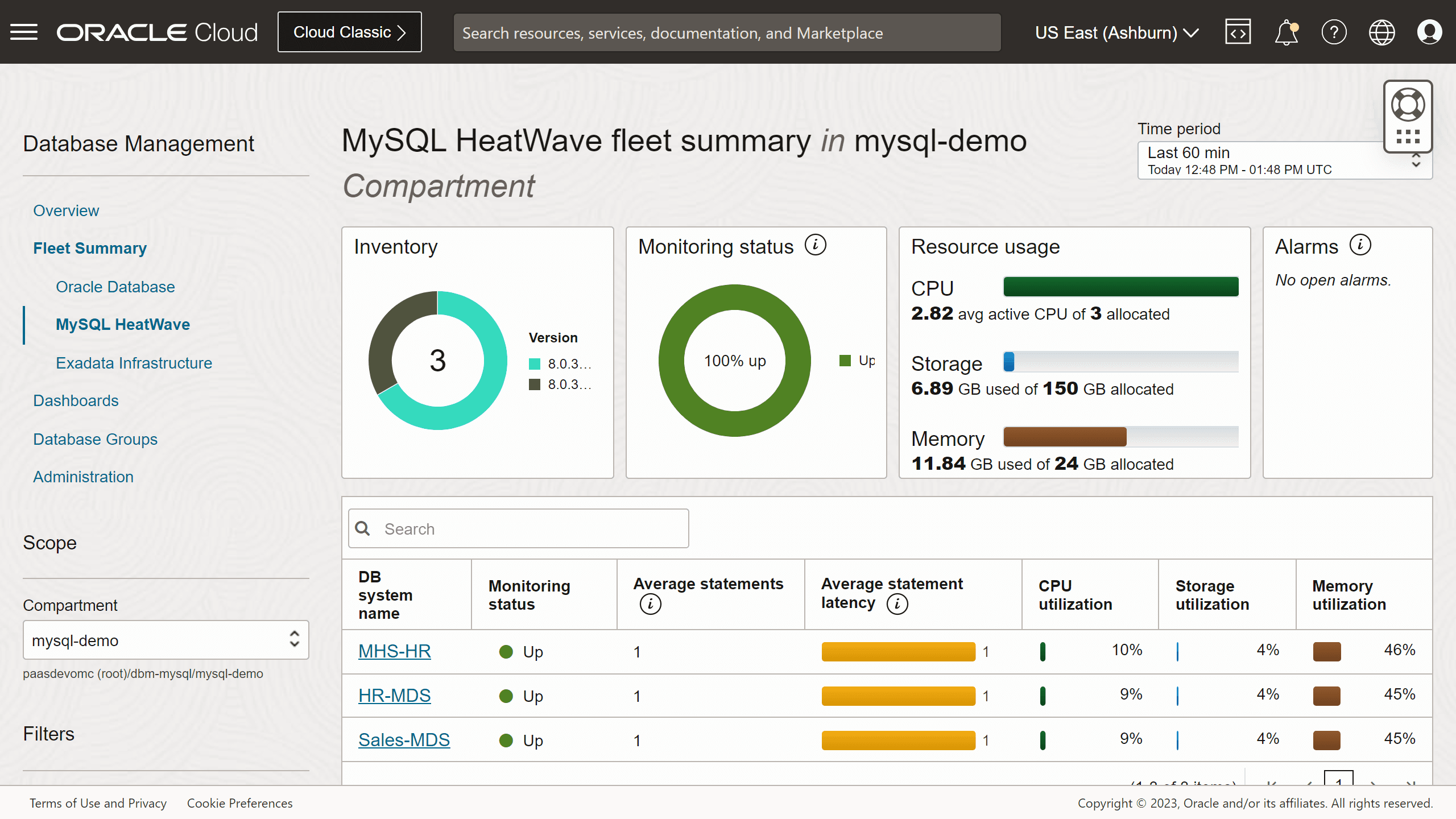
Once that’s done, you should be good to go. Query your data as usual and notice how HeatWave speeds up analytical queries dramatically with its in-memory data processing. Don’t forget to monitor the stance of your databases through the Oracle Cloud infrastructure: it will help you stay aware of key performance metrics affecting your database!
Conclusion
MySQL HeatWave is quite easy to set up. Since Oracle takes care of many things for you, all you need to do is connect to the database powered by HeatWave, run analytical OLAP or OLTP queries and observe how this solution improves their performance.
You will need to have an Oracle account, but other than that, setting up MySQL HeatWave is quite straightforward, as you saw in this blog post!
FAQ
What is MySQL HeatWave?
MySQL HeatWave is a managed cloud service by Oracle suitable for high-performance analytics workloads for analytical and transactional queries.
Is MySQL HeatWave hard to set up? What are the prerequisites?
MySQL HeatWave isn’t that hard to set up. All you need to have is an Oracle account and the ability to follow basic instructions in your dashboard since most of the things are taken care of by Oracle to begin with.