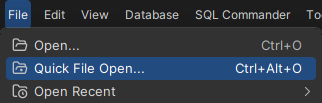
Changing Keyboard Shortcuts
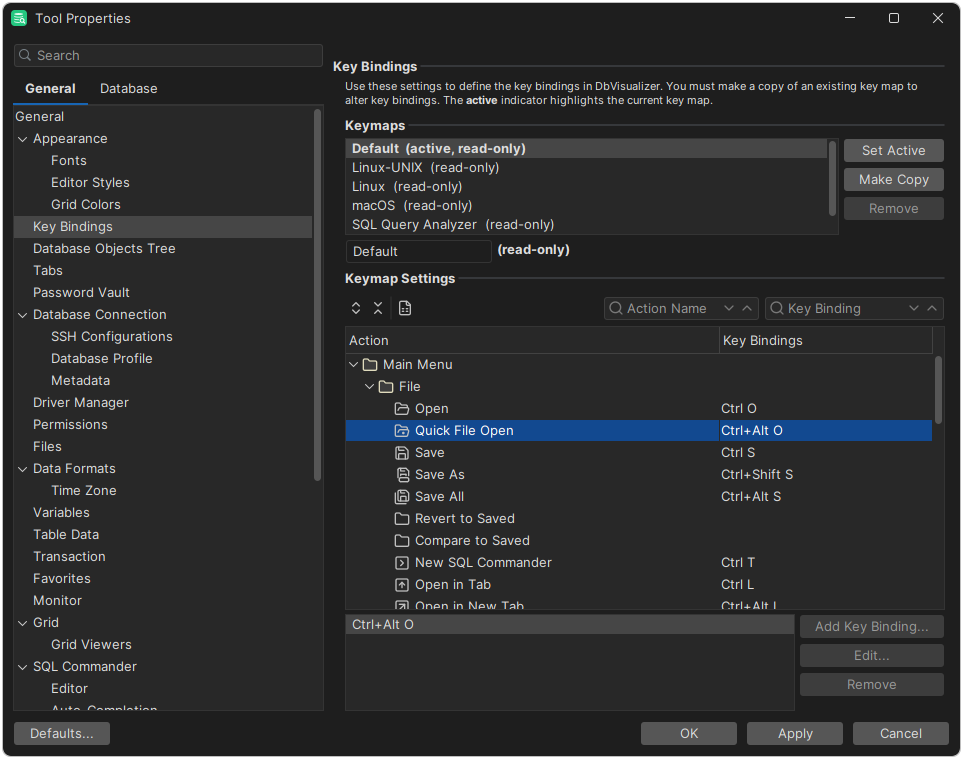
You can change the keyboard shortcuts, called key bindings, for almost all actions and editor commands. Open Tools → Tool Properties and select the General / Key Bindings category.
The key bindings are grouped in keymaps. In a keymap, the actions are organized in folders:
- Main Menu has a subfolder for each menu in the main window.
- Editor Commands has the commands of the SQL Commander editor.
- The other folders have the actions of specific features, such as the references graph.
The Key Bindings column shows the key bindings of each action.
Creating a keymap
DbVisualizer has a predefined keymap for each operating system. You can't change or delete them, so to change key bindings, you first copy a keymap. Select the keymap to copy, and click Make Copy. The copy is named automatically and selected. You can change the name if you want.
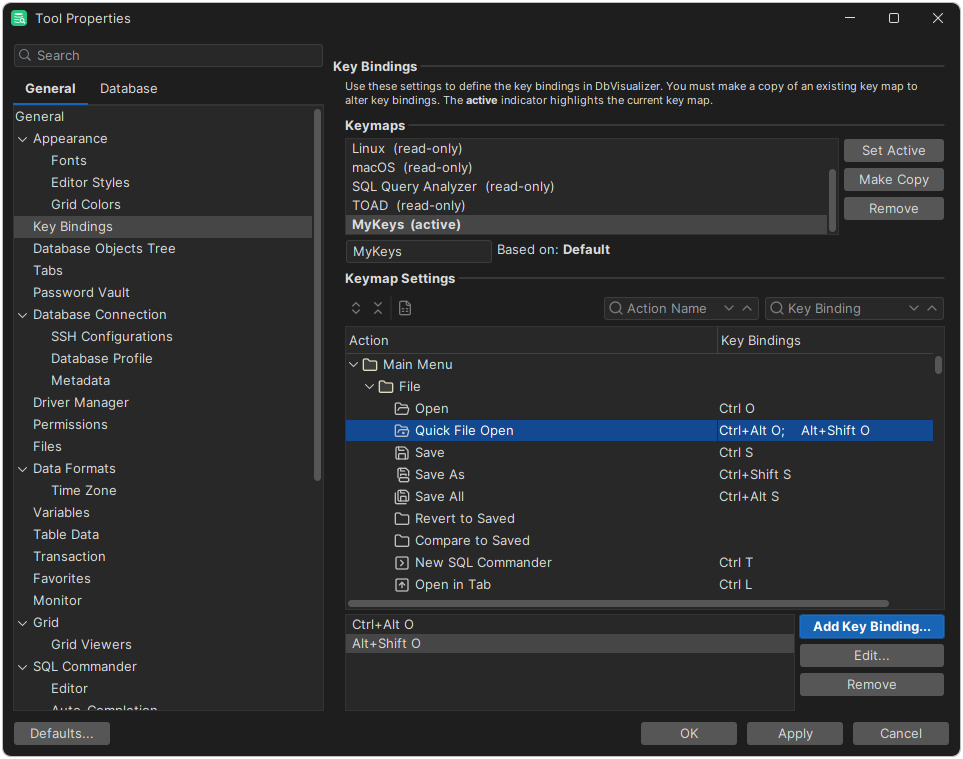
Changing a key binding
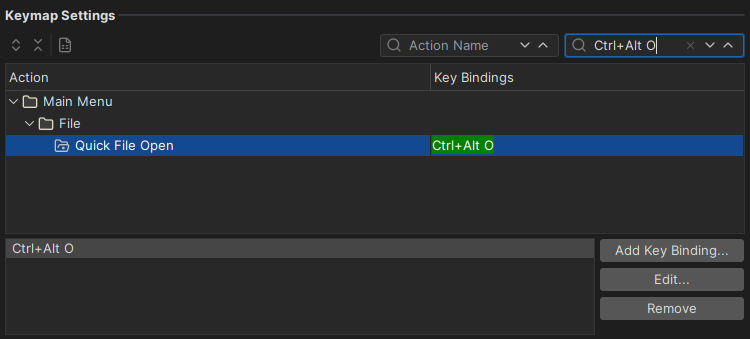
First, select the action. To find it, search by action name or by key binding. Its key bindings are listed in Key Bindings.
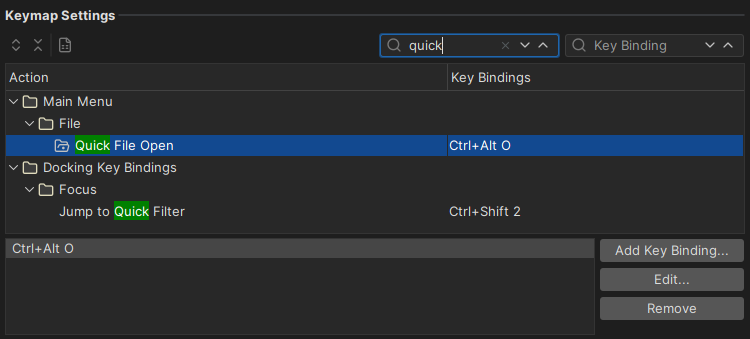
Then add or change a key binding. You can use the modifier keys Shift, Alt, Ctrl and Cmd.
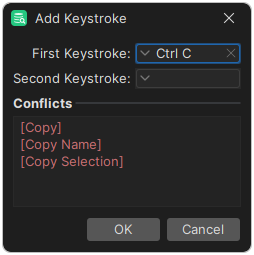
If the key binding is already used, the Conflicts area shows the actions that use it.
Menus and tooltips show the first key binding in the list.