intro
Discover the top 5 database clients you can use to connect to and manage Amazon Redshift instances, selected and compared using the same criteria.

Amazon Redshift is a fully managed data warehouse on AWS built for analytics at scale. To get the most out of Redshift, you need to rely on SQL clients that make it easy to write queries, browse schemas, and use Redshift features like Spectrum, materialized views, and workload management.
Below are the top Redshift database clients of the year, starting with AWS’s native web editor, followed by DbVisualizer, then other strong options.
Let’s explore and compare them all!
Amazon Redshift Query Editor V2
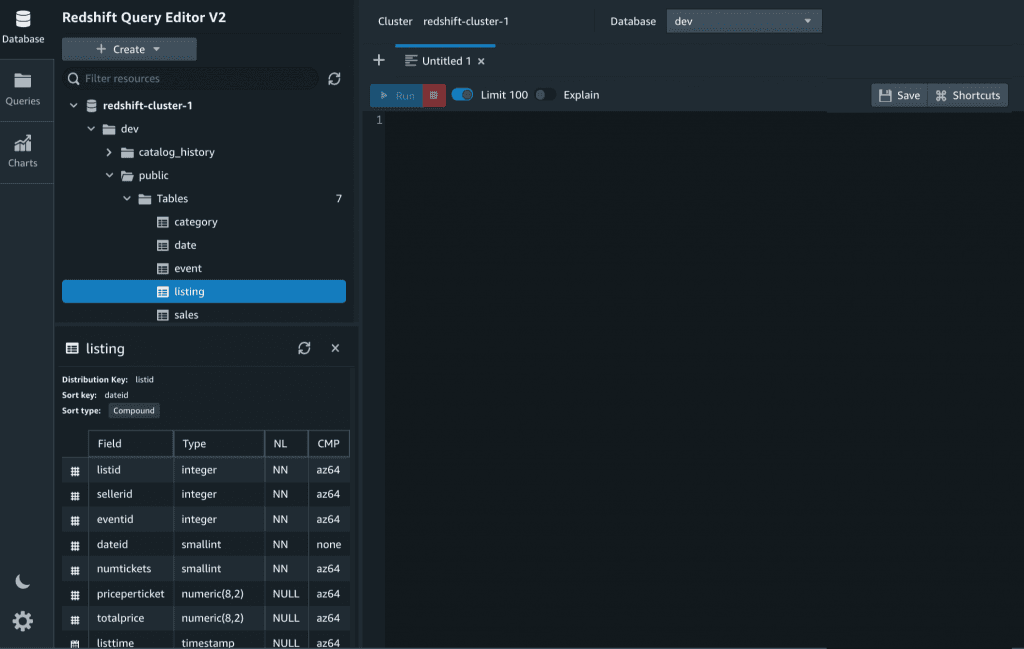
Redshift Query Editor V2 is Amazon’s built-in browser client available within the AWS Console. So, no installation is required. It works with both provisioned clusters and Redshift Serverless, and includes notebooks, charting, sharing, and AWS authentication out of the box.
🧩 Quick facts:
| Native to Redshift | Yes, and available via the AWS Web Console |
|---|---|
| Introduced | 2020, USA |
| Databases supported | Redshift Only |
| Platforms | Browser |
| Free option | Included With Redshift |
| G2 rating | 4.3/5 (397 reviews), as part of Amazon Redshift |
👍 Pros:
👎 Cons:
DbVisualizer

DbVisualizer is a universal desktop client with extended support for Redshift. Plus, through the same application, you can handle dozens of other databases in the same UI. Discover all features supported for Redshift.
🧩 Quick facts:
| Native to Redshift | No, third party |
|---|---|
| Introduced | 2003, Sweden |
| Databases supported | 50+, several with extended support |
| Platforms | Windows, macOS, Linux |
| Free option | Yes, via free and Pro editions |
| G2 rating | 4.7/5 (243 reviews) |
👍 Pros:
👎 Cons:
DBeaver
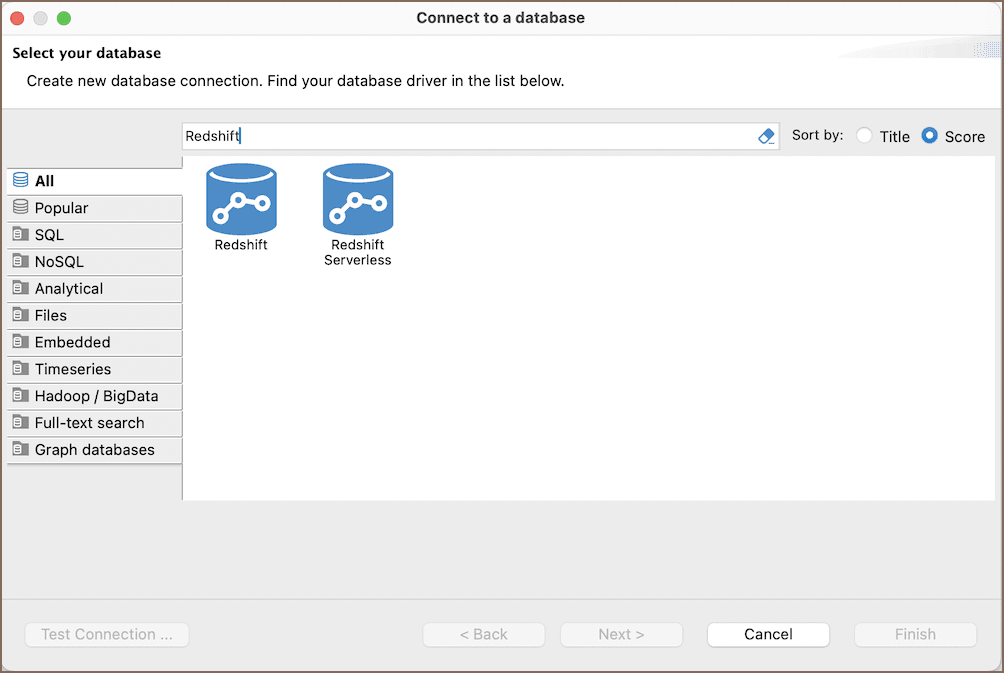
DBeaver is a multi-database client that can also connect to Redshift via JDBC. It has an open-source core and provides a good day-to-day database management experience thanks to lots of utilities.
🧩 Quick facts:
| Native to Redshift | No, Third Party |
|---|---|
| Introduced | 2011, Russia |
| Databases supported | 80+ |
| Platforms | Windows, macOS, Linux |
| Free option | Yes, via the open-source Community Edition |
| G2 rating | 4.4/5 (149 reviews) |
👍 Pros:
👎 Cons:
Beekeeper Studio

Beekeeper Studio is an SQL editor and database manager built on a modern JavaScript stack. It offers a lightweight experience for dealing with Redshift and other databases.
🧩 Quick facts:
| Native to Redshift | No, third party |
|---|---|
| Introduced | 2020, United States |
| Databases supported | 18+ |
| Platforms | Windows, macOS, Linux |
| Free option | Yes, via an open-source version |
| G2 rating | 4.3/5 (14 reviews) |
👍 Pros:
👎 Cons:
DataGrip
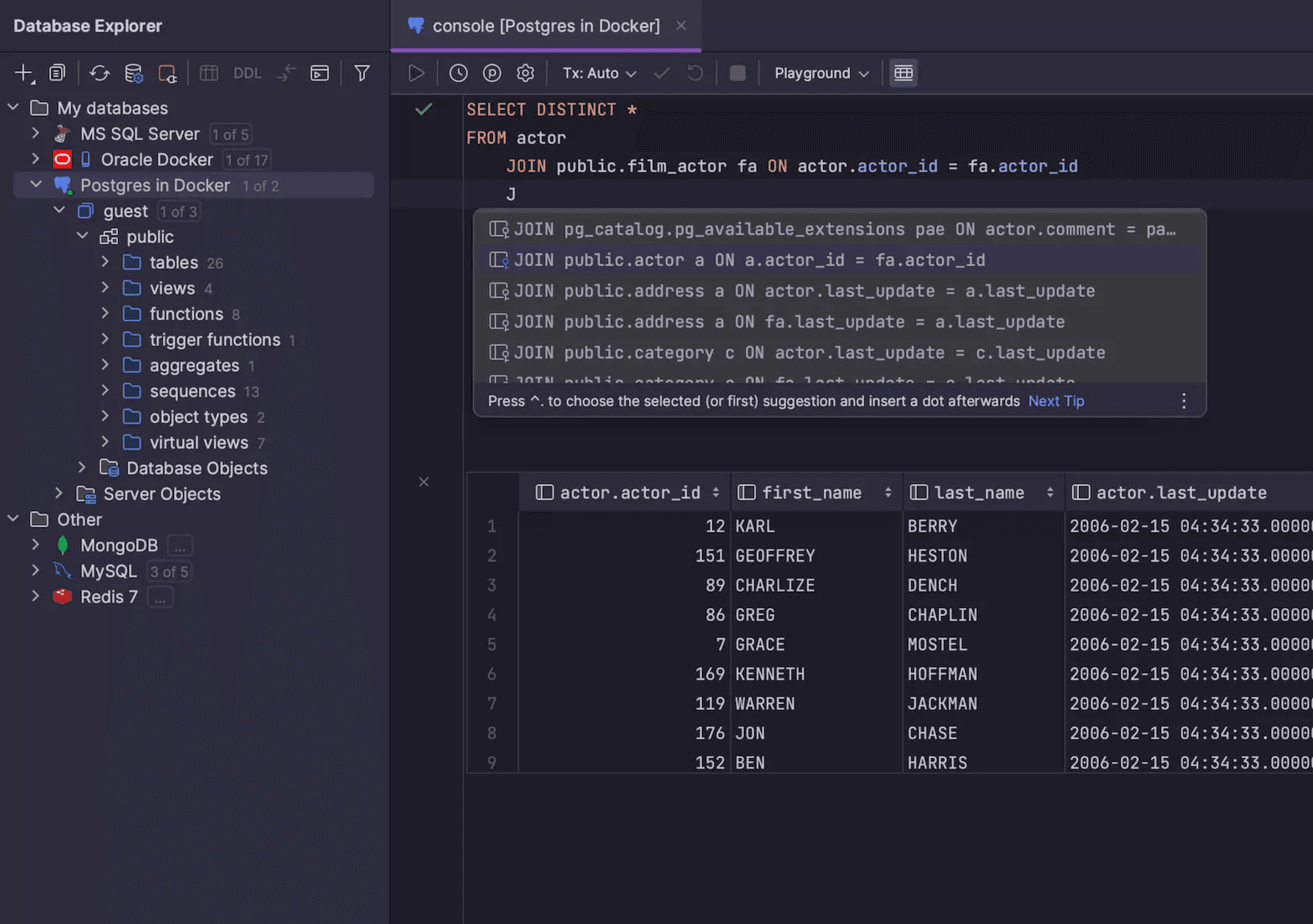
DataGrip is developer-focused SQL IDE with strong code intelligence. It is part of the JetBrains IDE ecosystem and can connect to Redshift via JDBC.
🧩 Quick facts:
| Native to Redshift | No, third party |
|---|---|
| Introduced | 2016, Czech Republic |
| Databases supported | 20+ |
| Platforms | Windows, macOS, Linux |
| Free option | Only for students and non-commercial use, with a 30-day trial available |
| G2 rating | 4.6/5 (124 reviews) |
👍 Pros:
👎 Cons:
Top Amazon Redshift Database Clients: Summary Table
Compare the best Redshift database clients analyzed in this article using the summary table below:
| Tool | Native to Redshift | Introduced | Support for other databases | Platforms | Free option for commercial use | G2 Rating |
|---|---|---|---|---|---|---|
| Amazon Redshift Query Editor V2 | ✅ | 2020, USA | ❌ (Redshift-only) | Browser | ✅ | 4.3/5 (397 reviews) |
| DbVisualizer | ❌ | 2003, Sweden | ✅ (50+) | Windows, macOS, Linux | ✅ | 4.7/5 (243 reviews) |
| DBeaver | ❌ | 2011, Russia | ✅ (80+) | Windows, macOS, Linux | ✅ | 4.4/5 (149 reviews) |
| Beekeeper Studio | ❌ | 2020, USA | ✅ (18+) | Windows, macOS, Linux | ✅ | 4.3/5 (14 reviews) |
| DataGrip | ❌ | 2016, Czech Republic | ✅ (20+) | Windows, macOS, Linux | ❌ | 4.6/5 (124 reviews) |
Summary
There is no universally best Redshift database client. The right choice depends on your needs, so pick one based on how you work:
| Use Case | Recommended Tool |
|---|---|
| No installation needed and easy sharing in the AWS Console | Redshift Query Editor V2 |
| Cross-database desktop client with strong ergonomics | DbVisualizer |
| Free, capable, and supports multiple database engines | DBeaver |
| Developer-oriented lightweight footprint experience | Beekeper Studio |
| IDE-grade coding experience and advanced refactoring | DataGrip |
If you only use Redshift through the browser, the built-in editor is convenient enough. But if you spend most of your day in writing SQL or work across multiple databases, a desktop client like DbVisualizer will be faster and more flexible.
FAQ
Does AWS provide a desktop client?
AWS provides the web-based Redshift Query Editor inside the Console. There is no separate AWS desktop GUI. Use third-party clients when you want a local app.
How do I connect with JDBC or ODBC?
Redshift comes with official JDBC and ODBC drivers. Most SQL clients use the JDBC driver. Provide the cluster endpoint, database, and credentials, or configure IAM based authentication.
Which client is best for Redshift Spectrum?
Any SQL client that connects to Redshift can query external schemas. Look for a tool that lists external schemas in its object tree or just run SQL against them. The AWS Query Editor surfaces these alongside internal schemas.
Should I choose the Query Editor or a desktop client?
Use the Query Editor for zero setup, quick notebooks, and sharing. Choose a desktop client for richer editing, multi-database work, offline workflows, and local versioning.
Can I use PostgreSQL tools with Redshift?
Yes. Redshift is PostgreSQL-compatible at the protocol level, so many PostgreSQL clients work, though Redshift-specific features still need SQL or the AWS Console.