intro
SUBSTRING_INDEX has a lot of use cases, and one of those use cases pertains to parsing data using SQL. Here’s what you need to know!

If you’re a seasoned developer and especially if you deal with projects necessitating data analysis in MySQL, you will surely know your way around SUBSTRING_INDEX. This MySQL function returns a substring (hence the name) of a given string.
We’ve covered the internals of SUBSTRING_INDEX in MySQL in some of our previous blogs, but not once have we told you about how to deal with parsing data using this very function. That’s what this blog is about!
A Quick Introduction to SUBSTRING_INDEX
Coming back to the basics for a brief second, the core function of SUBSTRING_INDEX in MySQL is that it allows us to extract a specific subset of a string based on a delimiter.
The function’s syntax looks like so:
                    1
                    SUBSTRING_INDEX(string, delimiter, count)
Where:
Understanding the syntax is vital to parse data using this SQL function!
How to Parse Data with SUBSTRING_INDEX
See some real-world examples of using the SUBSTRING_INDEX function for data parsing in MySQL.
Parsing Email Addresses
To parse email addresses, you’d need to extract the username (left-hand side) part of the email address and your query would then look like so:
                    1
                    SELECT `email`, SUBSTRING_INDEX(`email`, '@', 1) AS `username` FROM `users`;
This SQL query would return the username part of the email address from the users table. For some analysis projects, that may be useful, but suppose you run a data breach search engine: in that case, you would likely need to return the domain part of the email address and count how many times that domain has appeared in a data breach, too. You could do it like so:
                    1
                    SELECT SUBSTRING_INDEX(email, '@', -1) AS `domain`,


                    2
                    COUNT(*) AS `domain_count`


                    3
                    FROM `users`


                    4
                    GROUP BY `domain`


                    5
                    ORDER BY `domain_count` DESC;
Then, you could run the query on a multi-database client like DbVisualizer:
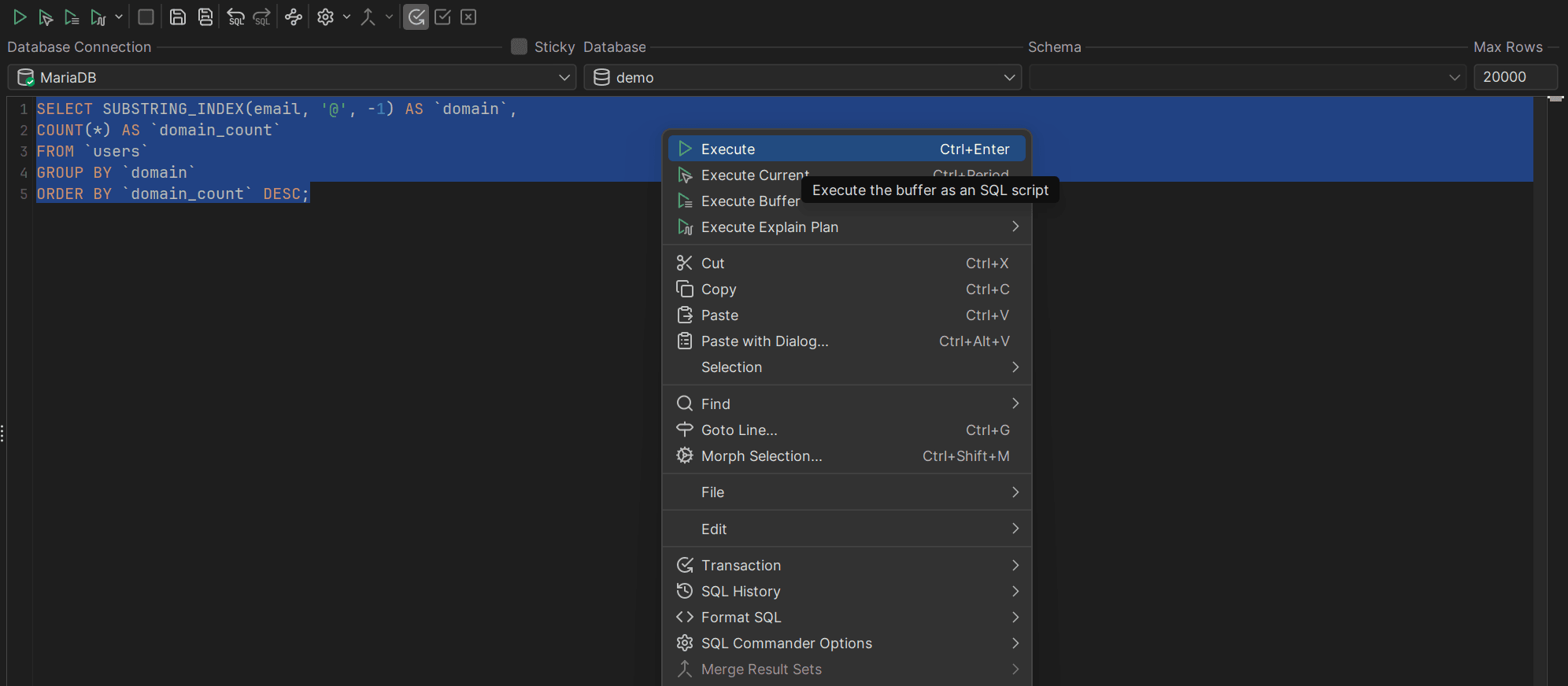
Extracting a String Between Delimiters
You can also use SUBSTRING_INDEX to extract a string between two delimiters like so:
                    1
                    SELECT SUBSTRING_INDEX(SUBSTRING_INDEX(purchase, 'Order ID:', -1), ';', 1)


                    2
                    AS order_id FROM orders;
This would help to extract an Order ID from a column that’s formatted like Order ID:12345;Status:Ordered;.... The above query would extract the 12345 ID out of such a string.
Extracting Strings from CSV Formatted Files
If you have an Excel/CSV file with fields formatted like John,Doe,30, you can also do something like this:
                    1
                    SELECT


                    2
                        SUBSTRING_INDEX(`toparse`, ',', 1) AS `first_name`,


                    3
                        SUBSTRING_INDEX(SUBSTRING_INDEX(`toparse`, ',', 2), ',', -1) AS `last_name`,


                    4
                        SUBSTRING_INDEX(`toparse`, ',', -1) AS `age`


                    5
                    FROM


                    6
                        (SELECT 'John,Doe,30' AS `toparse`) AS `data`;
The above query allows you to split a CSV string (which represent sample CSV-structured data) into separate columns in MySQL. In this example:
Combining SUBSTRING_INDEX with Other Functions
Finally, you can also combine the SQL SUBSTRING_INDEX function with something else like so:
                    1
                    SELECT *, SUBSTRING_INDEX(`email`, '@', -1) AS `username`


                    2
                    FROM `customers`


                    3
                    WHERE `email` IS NOT NULL;
This SQL query would return everything (*), as well as the username part of the email column as a username column where the email column is not NULL. Note that NULL and empty aren’t the same thing, so in this case, everything that’s not NULL (including empty values), would be returned back to the user.
Dealing with SUBSTRING_INDEX in DbVisualizer
SUBSTRING_INDEX queries can become long and complex, which is why you generally want to execute them in a dedicated database tool. Aside from SUBSTRING_INDEX, you would work with your database using SQL clients, and DbVisualizer is one of them.
While DbVisualizer won’t tell you how best to use SUBSTRING_INDEX (you would have to turn to TheTable for that), your SQL client will help you ensure that you run nicely formatted SQL queries as well as run them safely and securely:
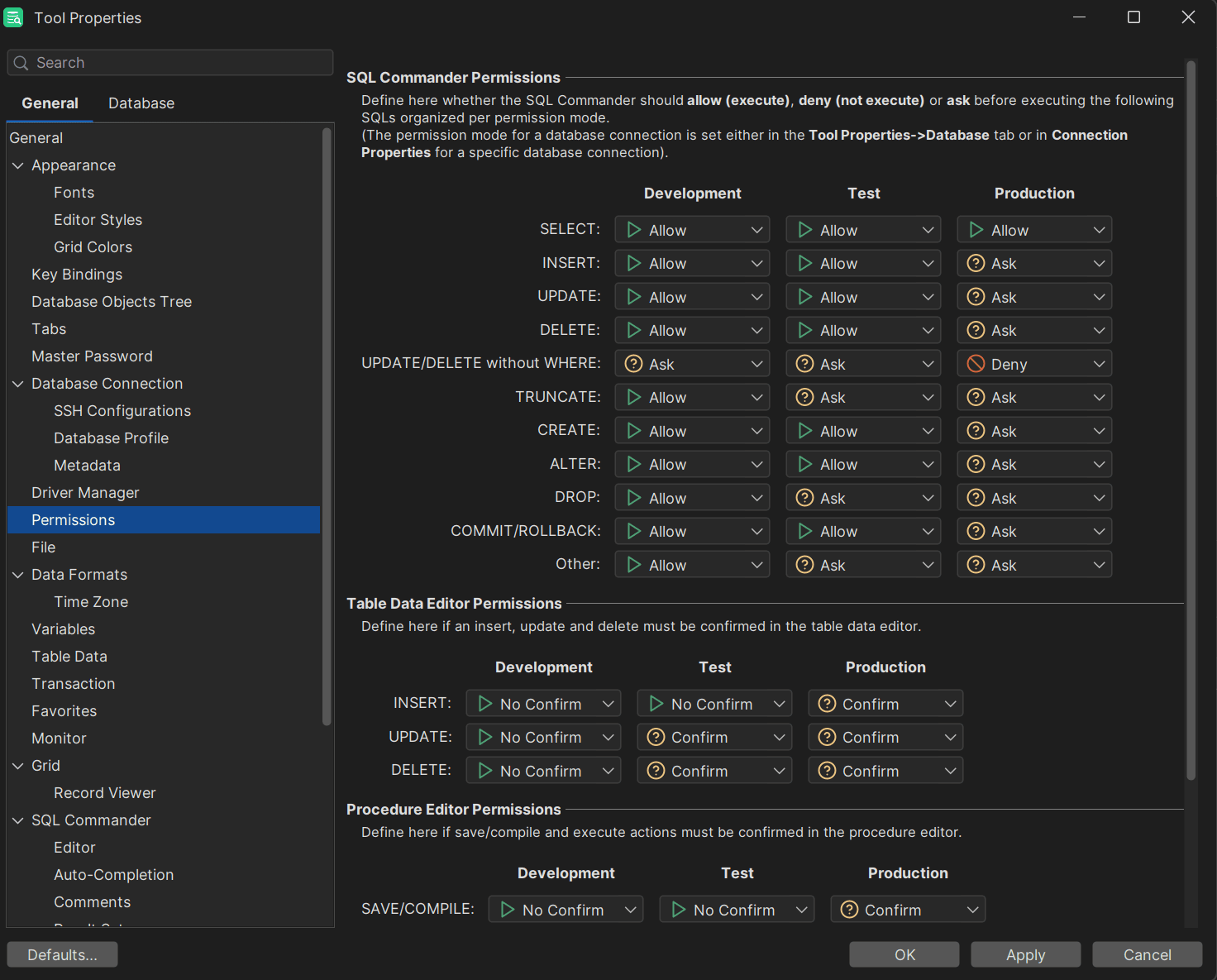
Also, you can format SQL queries and execute them as buffers;
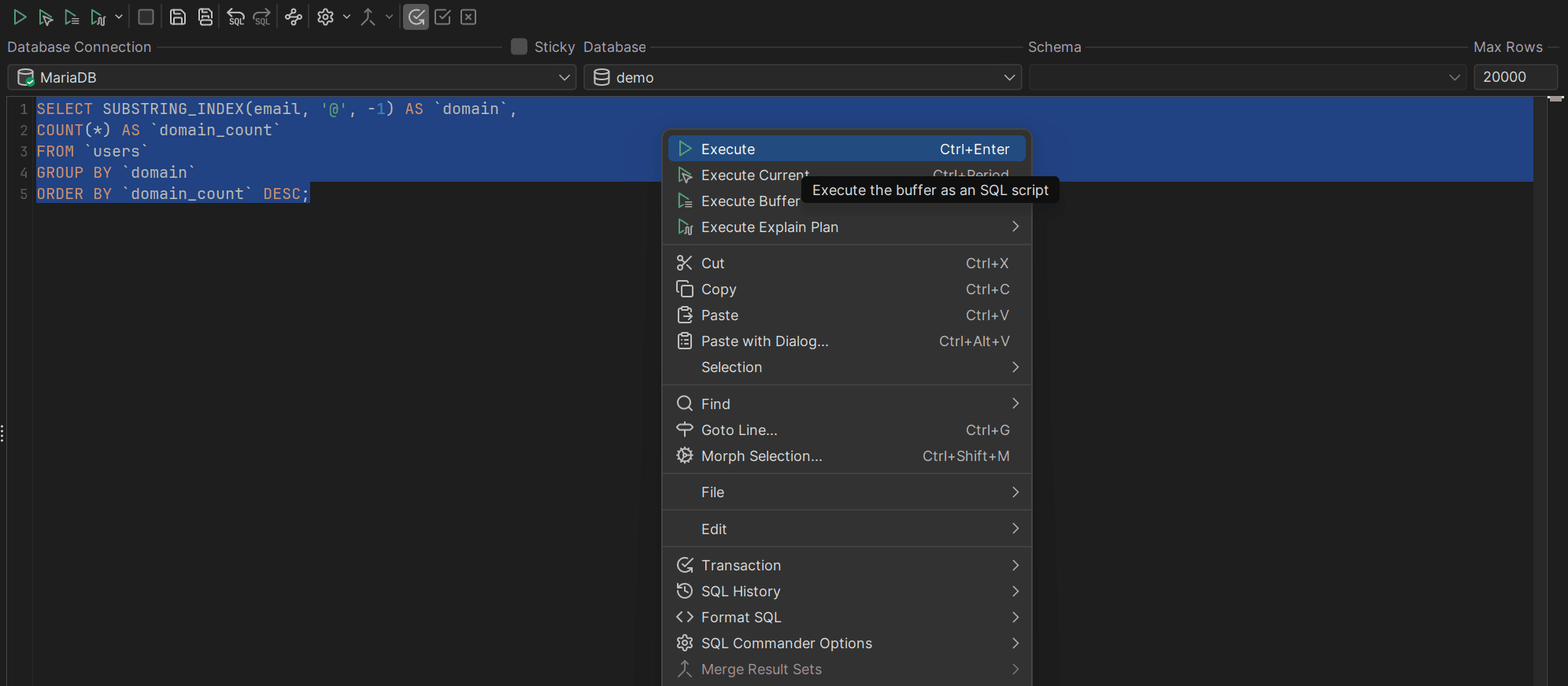
There are only two of the long list of features offered by DbVisualizer.
Take DbVisualizer for a spin today, and we’ll see you in the next guide about SQL subtleties!
Summary
The SUBSTRING_INDEX function in SQL is a function that helps you return a part of a string in a column. That makes this function very useful when conducting analysis operations and especially when parsing data.
We hope that this blog has helped you understand how this function works on a deeper level when analyzing data pertaining to data breach search engines and other use cases, and we’ll see you in the next one!
FAQ
What does SUBSTRING_INDEX do?
SUBSTRING_INDEX enables you to extract a specific subset of a string based on a delimiter and looks like so:
                    1
                    SUBSTRING_INDEX(string, delimiter, count)
How to use SUBSTRING_INDEX when parsing data?
To use SUBSTRING_INDEX when parsing data, consider the delimiter and the count part of the function. delimiter means the delimiter for your data and the count means “either return the first or the second part after the delimiter.”
Where can I learn more about SQL functions and other things?
To learn more about SQL functions and related things, closely follow the documentation of the database management system of your choice, follow blogs like TheTable and YouTube channels on database management systems, as well as read books on the database management systems that interest you. Hacking MySQL: Breaking, Optimizing, and Securing MySQL for Your Use Case is a good place to start.