intro
Deleting duplicate rows in relational database management systems isn’t always an easy task. Here’s how to delete duplicate rows in SQL!


In this guide, you’ll learn everything you need to know to delete duplicate rows in SQL. We’ll cover practical techniques and reliable approaches you can use across different database systems.
Let’s dive in!
Introduction
Think about a time when you had to delete duplicate rows in a database management system: how did you go about it?
We all know that to delete rows, we can use the DELETE SQL statement like so:
                    1
                    DELETE FROM demo_table WHERE column = 'Value';
But what happens once we have a lot of rows to delete? What if we have a lot of duplicate rows to take care of? Let’s find out!
Understanding Duplicate Rows
First of all, what do we mean by saying “delete duplicate rows in SQL”? Everything’s quite simple: a “duplicate row” concerns multiple rows that have exactly the same values. Suppose we run a forum that has threads and posts:
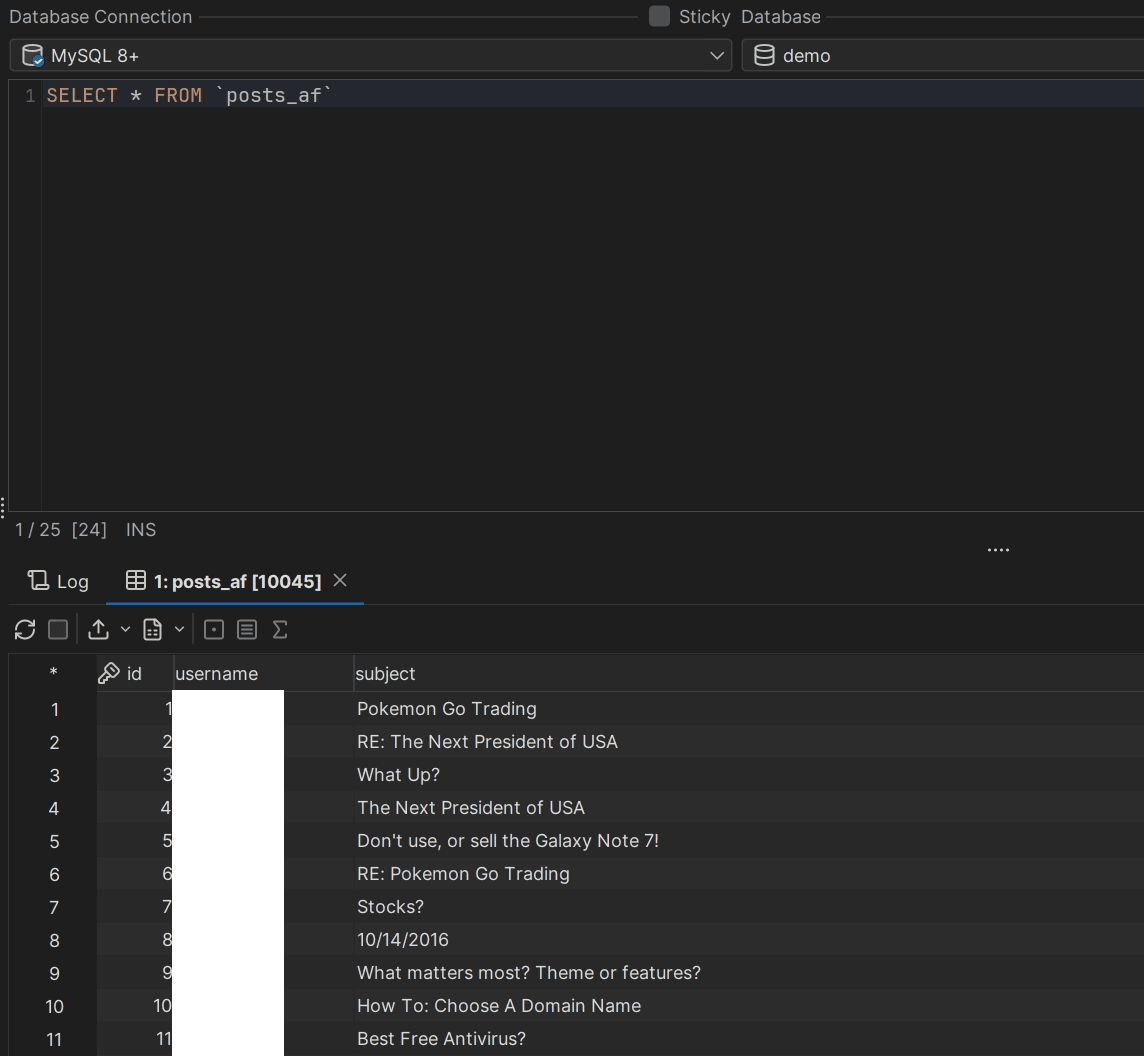
Forums have threads and posts associated with them; threads and posts are crafted by users and the bigger your forum is, the higher the probability of your forum having quite a couple of duplicate records.
To delete records, all you need to do is issue a DELETE FROM statement like the one specified above. In reality, such a statement is likely to include the SQL LIKE clause that matches all rows starting with a specific string or an integer, but regardless, it will remove any rows that match the specified criteria:

Here, we ran an SQL query:
                    1
                    DELETE FROM `posts_af` WHERE `subject` LIKE 'Pokemon%';
Telling our database that:
Our database then proceeded to delete all rows matching this criteria. If we want to delete duplicates, we need to take a different approach:
Sounds simple enough, right? But a query like the one above wouldn’t work anymore because it doesn’t delete duplicate rows in SQL, it simply deletes rows based on a criteria!
How to Actually Delete Duplicate Rows in SQL
To delete duplicate rows we would employ an SQL query like so:
                    1
                    DELETE FROM table_name WHERE id NOT IN (


                    2
                    SELECT * FROM (


                    3
                    SELECT MIN(id) FROM table_name GROUP BY column_1, column_2


                    4
                    ) AS sub);
Here:
We can also delete duplicate rows using SQL window functions like so:
                    1
                    WITH cte AS (


                    2
                    SELECT *, ROW_NUMBER() OVER


                    3
                    (PARTITION BY column_1, column_2 ORDER BY id) AS row_number FROM table_name)


                    4
                    DELETE FROM table_name WHERE id IN ( SELECT id FROM cte WHERE row_number > 1


                    5
                    );
Above:
Bear in mind that SQL window functions aren’t available in older versions of MySQL (MySQL ≤ 8.)
Moving Beyond Duplicate Rows
So, duplicate rows can be deleted either by using CTEs or by utilizing subqueries. With that being said, there are other ways that you can use to delete duplicates in your data set. One of them concerns Linux systems (or Windows infrastructure with Cygwin or alike.)
If you have a raw data file (exported from MySQL using SELECT ... INTO OUTFILE or similar), using sort and uniq with a flag or two may be way easier because uniq acts on raw data thus being faster.
Employ uniq with sort like so:
                    1
                    sort /directory/to/file_duplicates.txt | uniq > /directory/to/file_unique.txt
Here, we specify the file containing duplicate rows (/directory/to/file_duplicates.txt), remove duplicates and put unique values (values without duplicates) in a file called /directory/to/file_unique.txt.
The downside of this approach is that you’d need your files to be formatted with new lines (”n”). In other words, you need each record to start on a new line. If that’s not the case, uniq will not work correctly.
Dealing with Duplicate Rows in SQL Clients
Remember that there are tools beyond sort and uniq , too. You can rely on SQL clients not only to make your SQL queries look more pretty but also to drag and drop tables that you want to query inside of them, as well as export data in a variety of formats to help with sort operations.
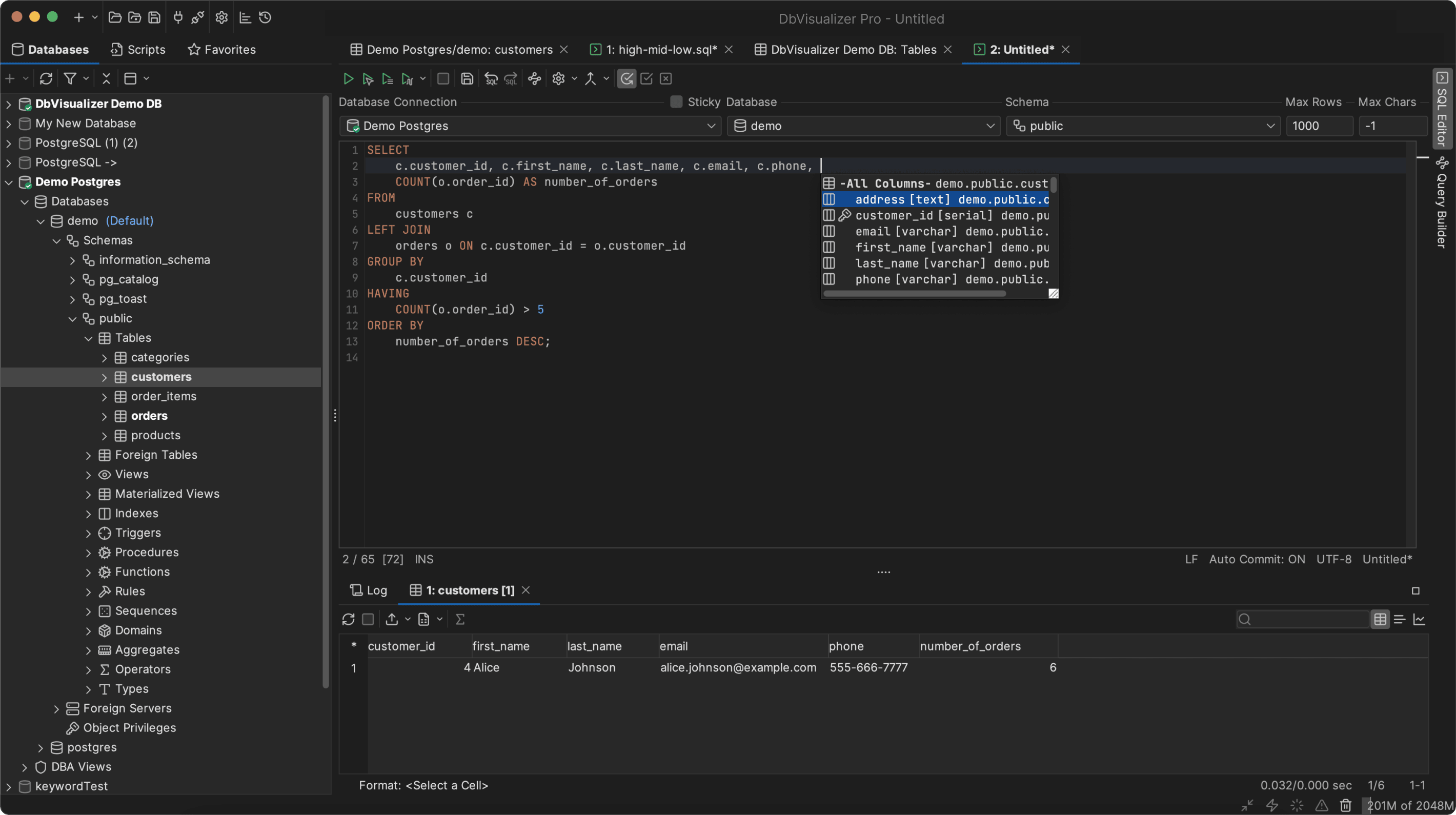
One of the most popular SQL clients, DbVisualizer, also comes with a free 21-day trial where you can try all of the features within the tool free of charge. SQL clients won’t help you get rid of duplicate rows, but they will alleviate data management & SQL script issues stemming from your use of database management systems, no matter what kind of database management system you find yourself using. With 50+ supported data sources, you will surely find your database in the list!
Conclusion
Although many of us know how best to delete data in our database management system, the task of delete duplicate rows in SQL is still a mystery to some; as you saw from the examples given in this blog, though, the reality is a little different.
Yes, deleting duplicate rows in relational database management systems is a little more difficult than issuing a simple DELETE query and hoping for the best, but at the same time, if you utilize CTEs, inner joins, or even subqueries, you will achieve your task in no-time.
Deleting data may only be a part of a bigger task though, and to achieve other tasks, you may need to turn to renowned SQL clients like DbVisualizer. You’re in luck because DbVisualizer does offer a free 21 day trial for you to try all of its features, so after you’re done testing, do inform us how it went through Twitter/X.
FAQ
How to delete duplicate rows in SQL?
To delete duplicate rows in SQL, consider using subqueries, Common Table Expressions or CTEs, SQL queries with an INNER JOIN functionality, or, if nothing else works out, consider sorting data with a uniq flag as shown in this blog. Additionally, consider reading the documentation of your database management system of choice as well as blogs and books on database topics to keep yourself up to date.
Why should I rely on DbVisualizer?
DbVisualizer is a versatile SQL client supporting more than 50+ data sources from ClickHouse to SQL Server. Its extensive features will help you interact with your database and work with your data as you see fit.