Handling Dropped Connections
Tasks that may take a long time, or never finish because the connection has dropped, run in the background, so that you can keep working. When tasks are running, the task icon in the status bar is red; otherwise it is grey.

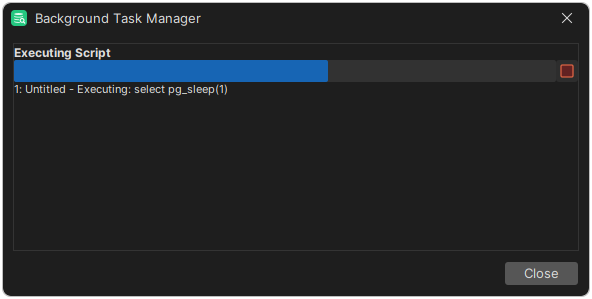
To see the running tasks, click the icon, or select Help → Background Task Manager. To stop a task, click the stop button next to its progress bar.
If a task didn't finish because the connection dropped, reconnect to the database. If connections often time out, turn on connection keep-alive, which sends a query to the database when the connection has been idle for a while.
By default, DbVisualizer asks before it connects again. To change this, see Confirming Before Connecting.