intro
Let’s analyze the best Oracle clients that help developers, analysts, and DBAs write SQL and PL/SQL, explore schemas, and maintain production safety.
Oracle database is powerful, which also means you want a client that is fast, predictable, and tuned for day-to-day work. The tools listed below emphasize quick query execution, comfortable PL/SQL workflows, safe editing, clear schema insight, and simple automation.
Discover the best Oracle database clients of the year!
What Is an Oracle Database Client?
An Oracle database client is a desktop, command line, or web application used to connect to Oracle Database, run SQL and PL/SQL, browse and edit objects, visualize plans, export data, and sometimes handle DBA tasks.
The typical capabilities a good Oracle database client should have are
How to Evaluate Oracle Database Clients
These are the main aspects you should focus on when comparing the best Oracle database clients on the market:
Top Clients for Oracle Database
The list below includes both multi-database favorites that support Oracle, as well as other Oracle-centric tools. These solutions have been selected, tested, and ranked according to the criteria presented earlier.
1. DbVisualizer
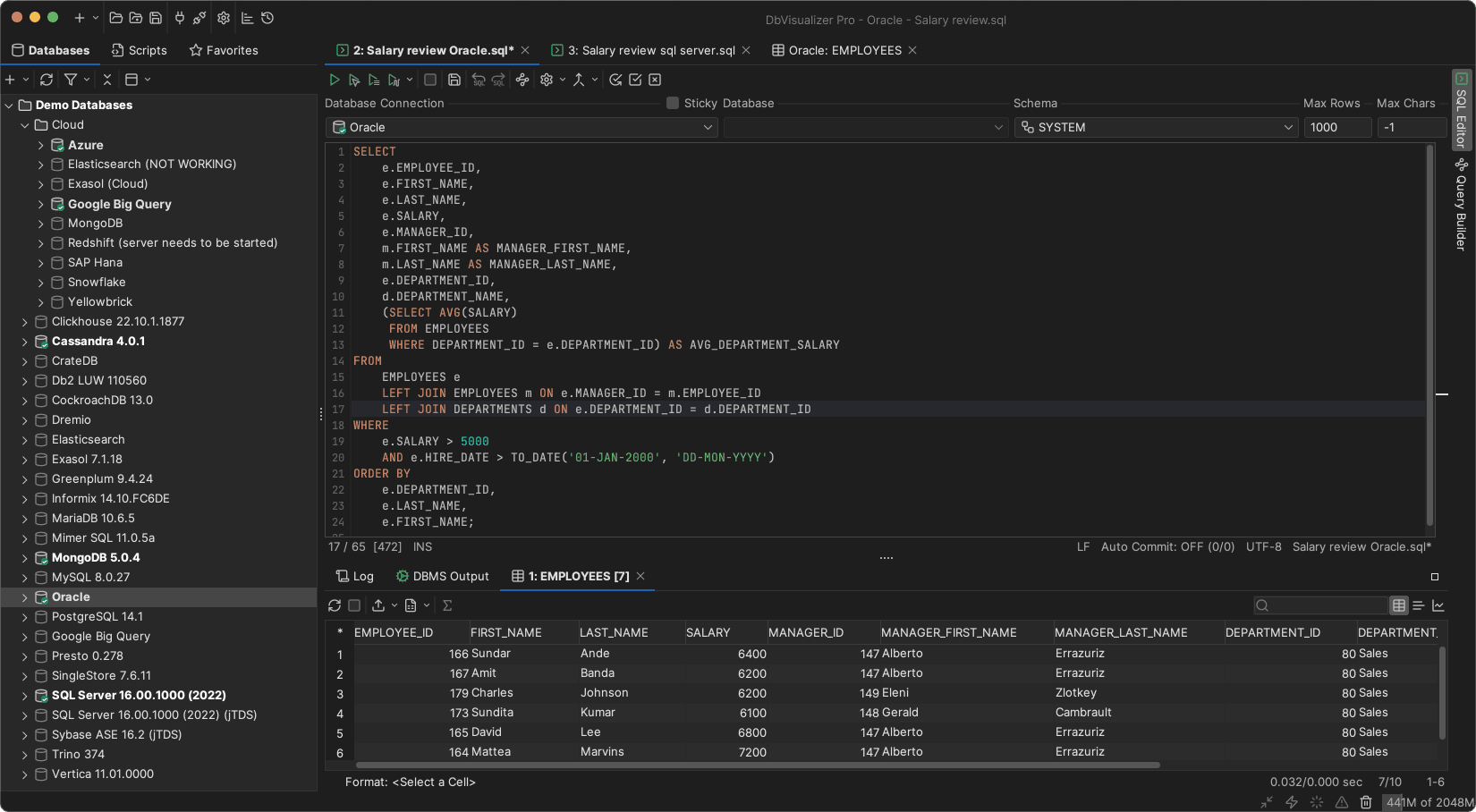
DbVisualizer is a feature-rich database client supporting over 50 databases. In particular, it has a long history of being users' preferred Oracle client, offering everything needed to develop, connect to, and manage an Oracle database.
DbVisualizer provides specific support for Oracle's unique object types and features, making it a robust and powerful tool for Oracle developers and administrators!
📌 Quick facts:
| Nature | Proprietary with free and paid editions |
|---|---|
| Founded | 1999, Sweden |
| Developed by | DbVis Software |
| Oracle focus | Works via Oracle JDBC. Supports explain plan, object browsing, ERD-style relationship views, scripting, and scheduling |
| Platforms | Windows, macOS, Linux |
| Free option | Yes |
👍 Why Oracle users like it:
💡 Tips:
2. Oracle SQL Developer

Oracle SQL Developer is Oracle’s free integrated IDE for Oracle Database. It supports PL/SQL development, SQL scripting, data modeling, and features tools to migrate other databases to Oracle.
📌 Quick facts:
| Nature | Free official Oracle IDE |
|---|---|
| Founded | 2006, United States |
| Developed by | Oracle |
| Oracle focus | Deep PL/SQL support with debugger, data modeler, migration wizards, reports, and DBA console |
| Platforms | Windows, macOS, Linux |
| Free option | Yes |
👍 Why Oracle users like it:
⚠️ Points to note:
3. Toad for Oracle
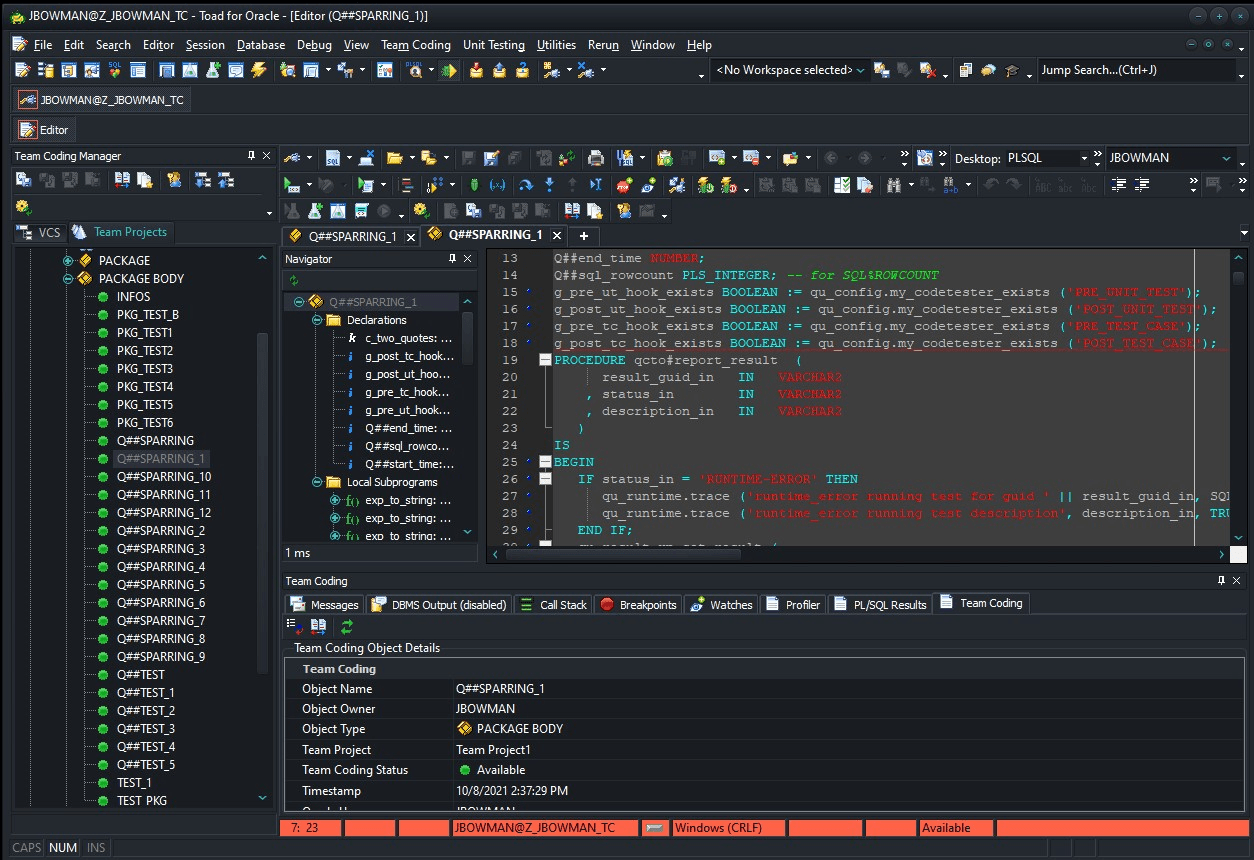
Toad for Oracle is a commercial Oracle-specific database IDE for developers and DBAs, with advanced SQL/PLSQL editing, debugging, performance tuning, automation, and collaboration features.
📌 Quick facts:
| Nature | Proprietary |
|---|---|
| Founded | 1998, United States |
| Developed by | Quest Software |
| Oracle focus | Full PL/SQL IDE with debugger, schema browser, compare, tuning advisor, automation designer, and rich DBA tools |
| Platforms | Windows |
| Free option | Trial |
👍 Why Oracle users like it:
⚠️ Points to note:
4. DBeaver
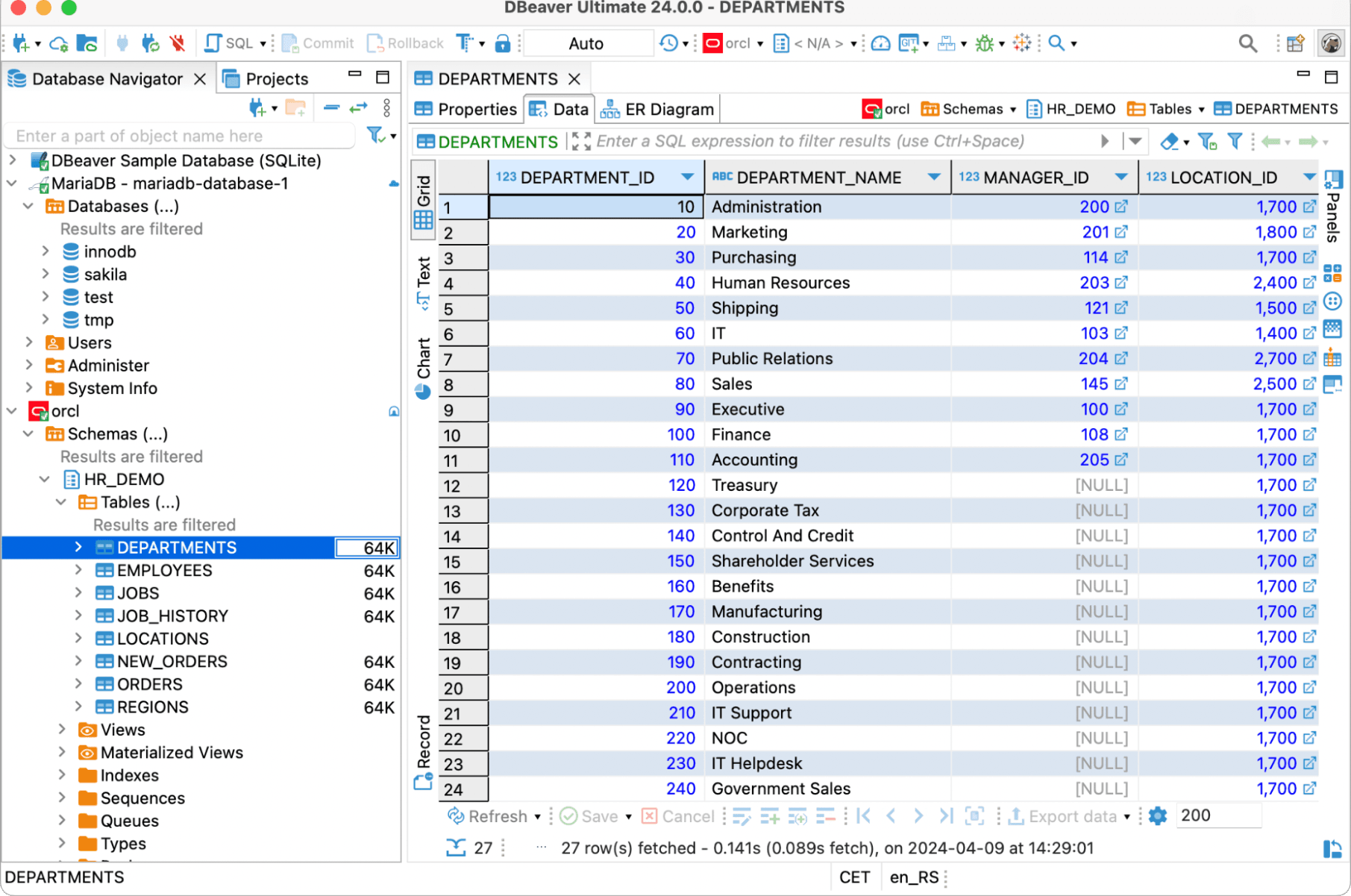
DBeaver is a cross-platform open-source database tool supporting Oracle and many other databases via JDBC, offering ER diagrams, a SQL editor, data browsing, and import/export capabilities.
📌 Quick facts:
| Nature | Open core with free and paid editions |
|---|---|
| Founded | 2011, Russia |
| Developed by | DBeaver Corporation and community |
| Oracle focus | JDBC connection, schema browsing, ER diagrams, data grid, and explain plan via commands |
| Platforms | Windows, macOS, Linux |
| Free option | Yes, via the open-source Community Edition |
👍 Why Oracle users like it:
⚠️ Points to note:
5. PL/SQL Developer
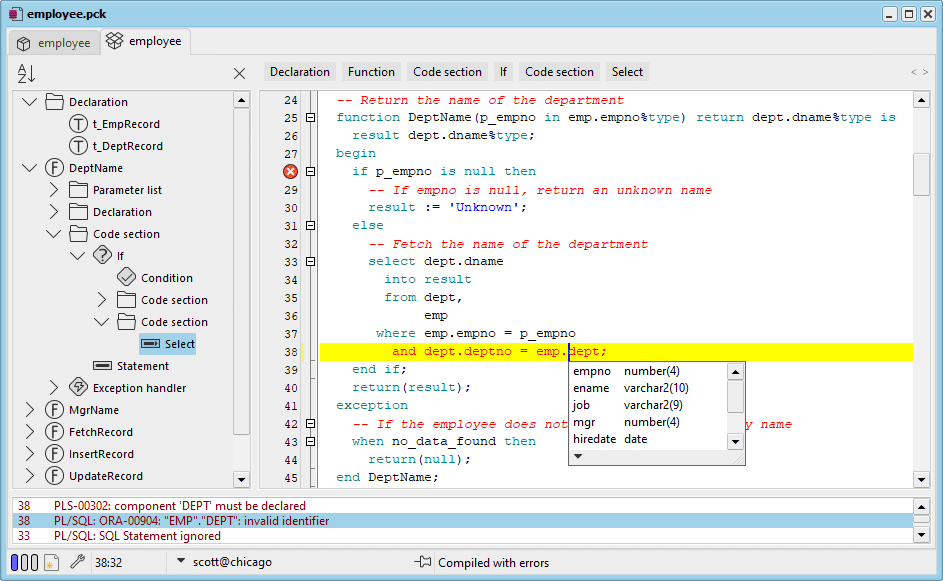
PL/SQL Developer is a Windows IDE targeted at Oracle PL/SQL development, with a powerful code editor, integrated debugger, and productivity features.
📌 Quick facts:
| Nature | Proprietary |
|---|---|
| Founded | 1999, Netherlands |
| Developed by | Allround Automations |
| Oracle focus | Focused PL/SQL IDE with debugger, test window, templates, and plugins |
| Platforms | Windows |
| Free option | Trial |
👍 Why Oracle users like it:
⚠️ Points to note:
6. DataGrip

DataGrip is JetBrains’ cross-platform database IDE for SQL, supporting Oracle and other databases via JDBC, with smart code completion, schema refactoring, query consoles, and version management.
📌 Quick facts:
| Nature | Proprietary |
|---|---|
| Founded | 2015, Czech Republic |
| Developed by | JetBrains |
| Oracle focus | Smart SQL editor, inspections, refactoring, data editor, and JDBC-based Oracle support |
| Platforms | Windows, macOS, Linux |
| Free option | Trial (with free licenses for students and non-commercial use) |
👍 Why Oracle users like it:
⚠️ Points to note:
7. Navicat for Oracle
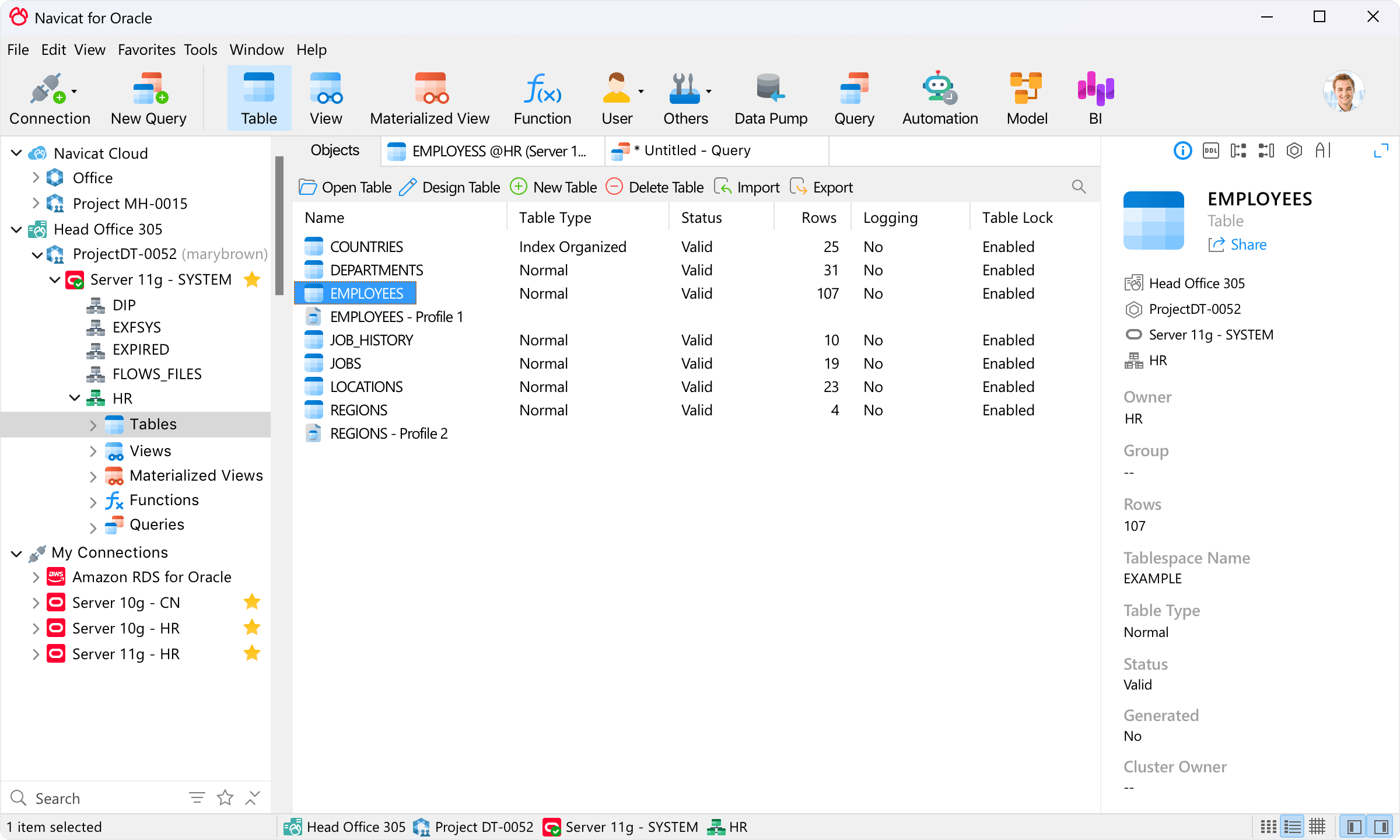
Navicat for Oracle is a GUI tool for Oracle database admins and developers. It is available on Windows, macOS, and Linux and provides visual modeling, advanced SQL editing, data transfer/sync, and task automation.
📌 Quick facts:
| Nature | Proprietary |
|---|---|
| Founded | 2002, Hong Kong |
| Developed by | PremiumSoft |
| Oracle focus | Visual query builder, data transfer or sync, scheduler, reports, and object designers |
| Platforms | Windows, macOS, Linux |
| Free option | Trial |
👍 Why Oracle users like it:
⚠️ Points to note:
Best Oracle Database Clients: Quick Comparison Table
Compare the best Oracle database clients analyzed in this article with this summary table:
| Client | Nature | Founded | Developed by | Oracle focus | Platforms | Free option |
|---|---|---|---|---|---|---|
| DbVisualizer | Proprietary | 1999, Sweden | DbVis Software | JDBC connection, explain plan, schema browser, ERD view, CLI and scheduler | Windows, macOS, Linux | ✅ |
| Oracle SQL Developer | Free official IDE | 2006, United States | Oracle | PL/SQL debugger, worksheet, autotrace, reports, data modeler, DBA console | Windows, macOS, Linux | ✅ |
| Toad for Oracle | Proprietary | 1998, United States | Quest | PL/SQL IDE and debugger, schema browser, compare, tuning, automation | Windows | ❌ (but a free trial is available) |
| DBeaver | Open-source core + Proprietary | 2011, Russia | DBeaver Corp and community | JDBC connection, ER view, data grid, explain plan via commands | Windows, macOS, Linux | ✅ |
| PL/SQL Developer | Proprietary | 1999, Netherlands | Allround Automations | Focused PL/SQL IDE with debugger and Test Window | Windows | ❌ (but a free trial is available) |
| DataGrip | Proprietary | 2015, Czech Republic | JetBrains | Smart editor, inspections, refactors, JDBC Oracle | Windows, macOS, Linux | Only for non commercial use |
| Navicat for Oracle | Proprietary | 2002, Hong Kong | PremiumSoft | Visual builders, data transfer and sync, scheduler, reports | Windows, macOS, Linux | ❌ (but a free trial is available) |
Choosing the Right Oracle Database Client for Your Needs
There is no universally best Oracle database client for everyone, as the best tool always depends on your specific needs. Refer to following table to make an informed decision:
| Use case / Task | Recommended tools |
|---|---|
| Multi-database desktop with strong exports | DbVisualizer, DBeaver |
| Deep PL/SQL work with step debugging | Toad for Oracle, PL/SQL Developer |
| First-party, free, and broad coverage | Oracle SQL Developer |
| Smart editor with strong navigation and VCS | DbVisualizer |
| Repeated data movement and job scheduling | Navicat for Oracle |
Summary
You don’t need an oversized software suite to work efficiently with Oracle. If you want a single tool that remains fast and well organized across different systems, DbVisualizer is a strong starting point. If your role centers on PL/SQL debugging, Toad for Oracle or PL/SQL Developer can significantly reduce effort. SQL Developer offers a free, well-rounded option for most teams. For cross-platform workflows with modern editing features, DBeaver and DataGrip are solid choices. And when your work includes recurring data transfers or scheduled tasks, Navicat can be a helpful addition.
FAQ
Are visual Oracle database clients better than CLI tools?
Visual clients speed up discovery, debugging, and exports. CLI tools like SQL Plus and SQLcl remain the best for scripts and automation. Many teams use both.
Which tools support PL SQL debugging?
Toad for Oracle, PL SQL Developer, and Oracle SQL Developer support step debugging with breakpoints and variable inspection.
What is the safest way to query production?
Prefer read-only roles, enable safe modes where available, and keep exports small. Use tunnels and encrypted connections. Run heavy work on replicas if your architecture allows it.
Can I use one tool for multiple databases including Oracle?
Yes. DbVisualizer and DBeaver are multi-database clients with consistent UX across engines. DataGrip also supports many database engines via JDBC.