intro
Not all database tools are created equal. While some boast open-source capabilities, others are proprietary. Here is the proprietary vs. open-source database tools showdown.


Are you searching for a reliable database tool? If yes, you have probably tested at least a couple of them from various points of view. But have you ever considered looking deeper than just the features they offer? Not all tools are made the same, as some are open-source and some are proprietary.
Let’s discover more about proprietary vs open-source database tools!
Proprietary Database Tools
Proprietary database tools refer to a set of commercial database offerings that are mostly developed and sold by known database vendors. Such tools usually come in the form of SQL clients or other tools that solve database issues. Some popular proprietary database tools include:
Open Source Database Tools
When it comes to open-source database tooling, such tools, unlike proprietary database tooling, are free to use and often very extendable and customizable. A prime example of this would be MariaDB coming with a foundation (MariaDB Foundation) as well as a MariaDB plc (basically an LLC to allow developers to work there.) Open source database tools are free to use making them an attractive option for small-to-medium sized companies and individuals, as well as customizable, and supported by a community.
Open source database tools include:
In general, open-source database tools often come with a couple of key aspects you need to consider: the tool will be free but likely very limited (as is the case with DBeaver when we compare the community version to its premium version) or come with support for most widely used data sources forgetting the others. The features within open-source database tools aren’t likely to be as extensive as in tools like DbVisualizer either.
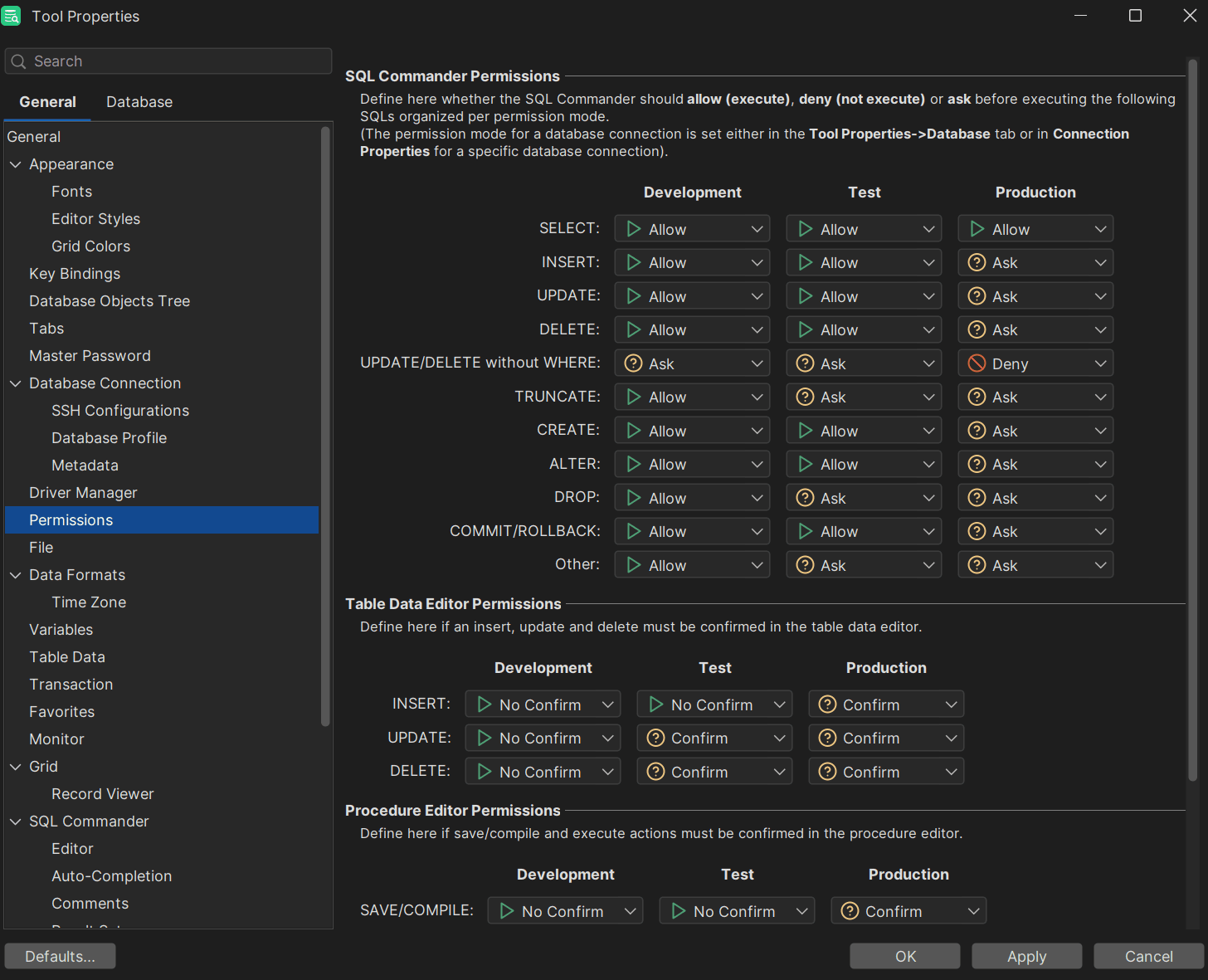
If you’re searching for a tool that helps you manage either proprietary or open source databases, DbVisualizer is a great option. DbVisualizer comes with a wide array of features enabling you to secure access to data using SSH, edit your data as if it was a spreadsheet, and perform a wide array of other actions.
Summary
In this day and age, database tools come in one of two forms: they’re either open source or proprietary. Both types of databases and tooling within offer powerful features and capabilities, but cater to different needs, audiences, and constraints. To choose the proper database tool for your specific use case, evaluate your requirements. and choose a secure database tool to protect your most crucial assets from breaches.
FAQ
What’s Better: Open Source or Proprietary Database Tools?
There is no specific answer to this question. A tool that is “better” or “worse” directly depends on your use case and the things necessitated by your application. Some of you use SQL Server, some of you may employ Redis or MySQL, so choose a database tool based on the database management system in use, weigh its upsides and downsides, and you should be good to go. In general, though, DbVisualizer is a good fit for most use cases.
What Database Tool Do I Choose?
The SQL client you need to choose directly depends on your use case. However, DbVisualizer will likely be a very good option regardless of what you necessitate.
What Database Tool is the Most Secure?
All database tooling is built with security in mind. At the same time, to make an informed decision, please read the docs, read books on security and related topics, and make good use of other security tooling to choose the best option.