intro
Let’s explore, discover, and compare the best database clients for EXPLAIN and SQL query plan visualization of the year. Dig into them with us!
When working with complex database infrastructure and SQL queries, many developers turn to SQL tooling and specifically to SQL clients.
SQL tooling and SQL clients are vital to better understand how a specific database engine processes SQL queries, how it parses them, and how they sometimes work against developers. Today, SQL clients providing explain/query plan visualization are more important than ever and while many would argue that “AI can visualize all of the queries for us already!” that’s not always the case.
Let’s dive into your top choices for SQL clients that can provide sufficient EXPLAIN and SQL query plan visualization in 2026. Here are your options!
DbVisualizer
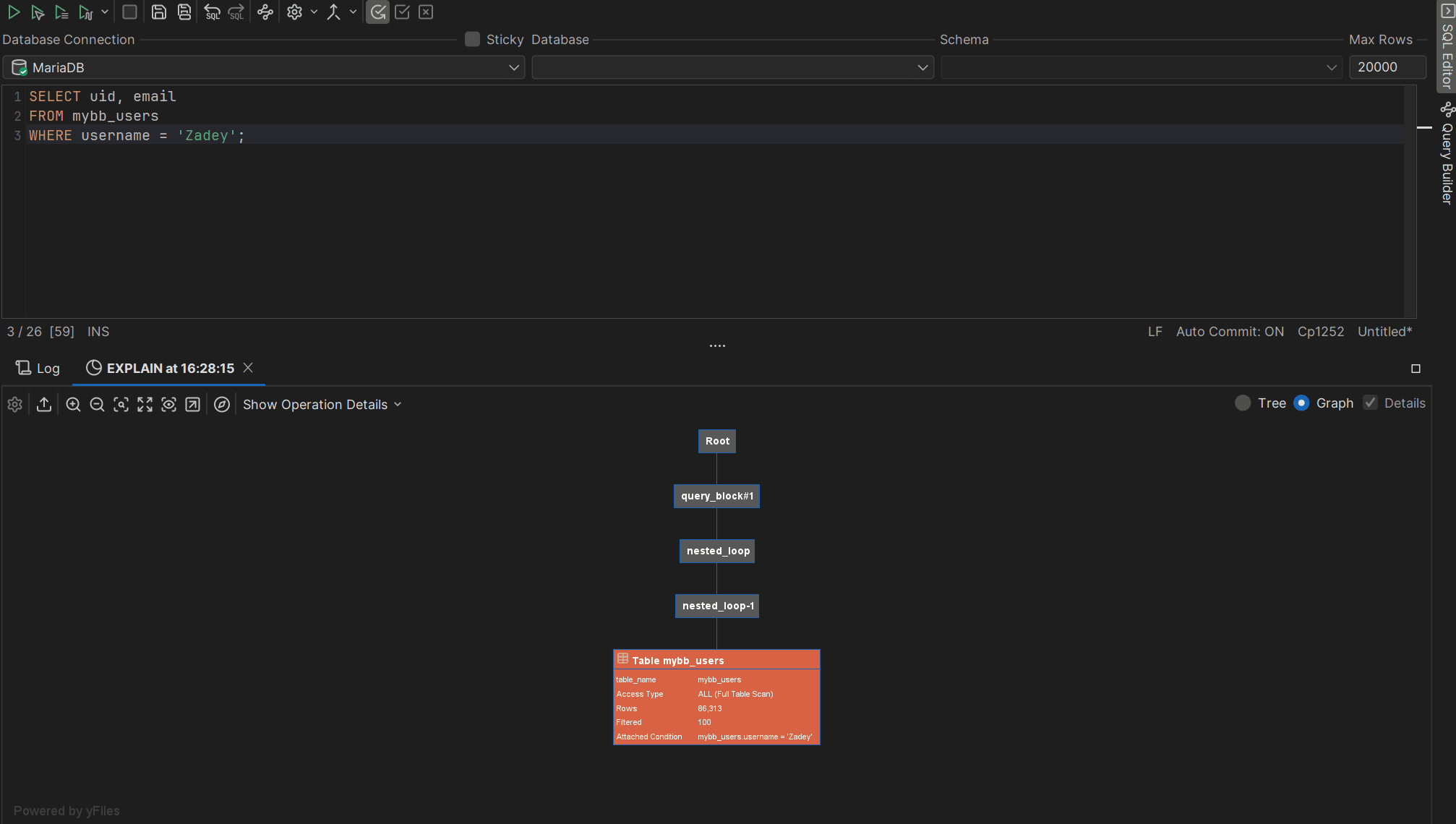
DbVisualizer is a top-rated SQL client supporting many database appliances, as it does connect to any database that can be interacted with a JDBC driver. It’s used by well-known companies from NASA to Volkswagen, and comes with a neat user guide for every user. Oh, and it’s known for providing intuitive graphical representations of execution plans through its Explain Plan feature. This makes it easier for developers to analyze and optimize the performance of their database queries, as shown in our dedicated guides:
👍 Pros:
👎 Cons:
MySQL Workbench
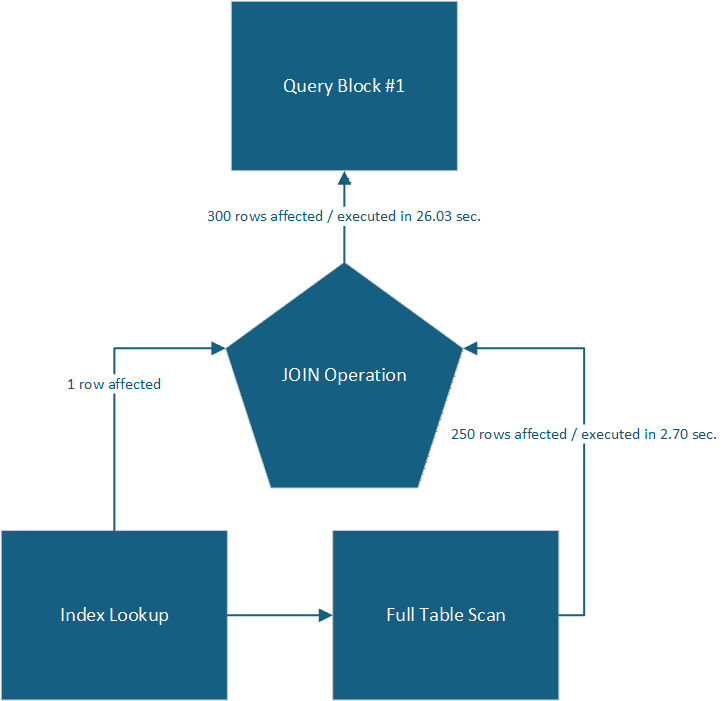
While MySQL Workbench isn’t just an SQL client (it’s a huge environment for MySQL and MariaDB users instead), it does provide powerful SQL query plan visualization capabilities. Visualization plans provided by MySQL Workbench often look something like from a Visio drawing:
While MySQL Workbench may not be ideal for all use cases (see cons below), it is a great tool for those opting for simple yet powerful MySQL-based applications.
👍 Pros:
👎 Cons:
DataGrip
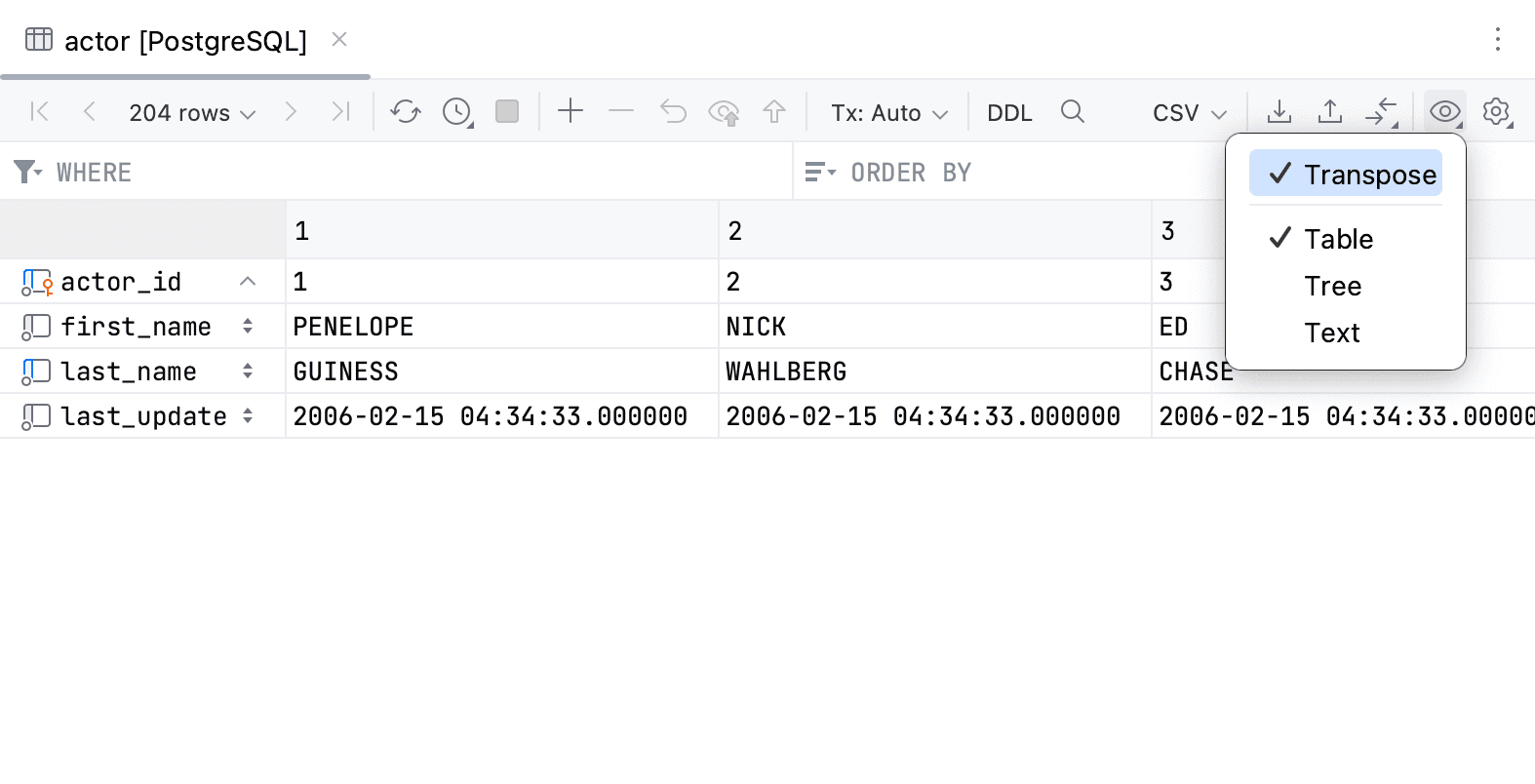
The next one on the list of SQL clients for explain/query plan visualization is DataGrip, (Different View Modes). A popular favorite amongst many database professionals and unlike MySQL Workbench, DataGrip does offer support for many database management systems including PostgreSQL, SQL Server, MySQL, and Oracle. It also provides for nice query plan visualization capabilities, but comes with a learning curve.
👍 Pros:
👎 Cons:
DBeaver
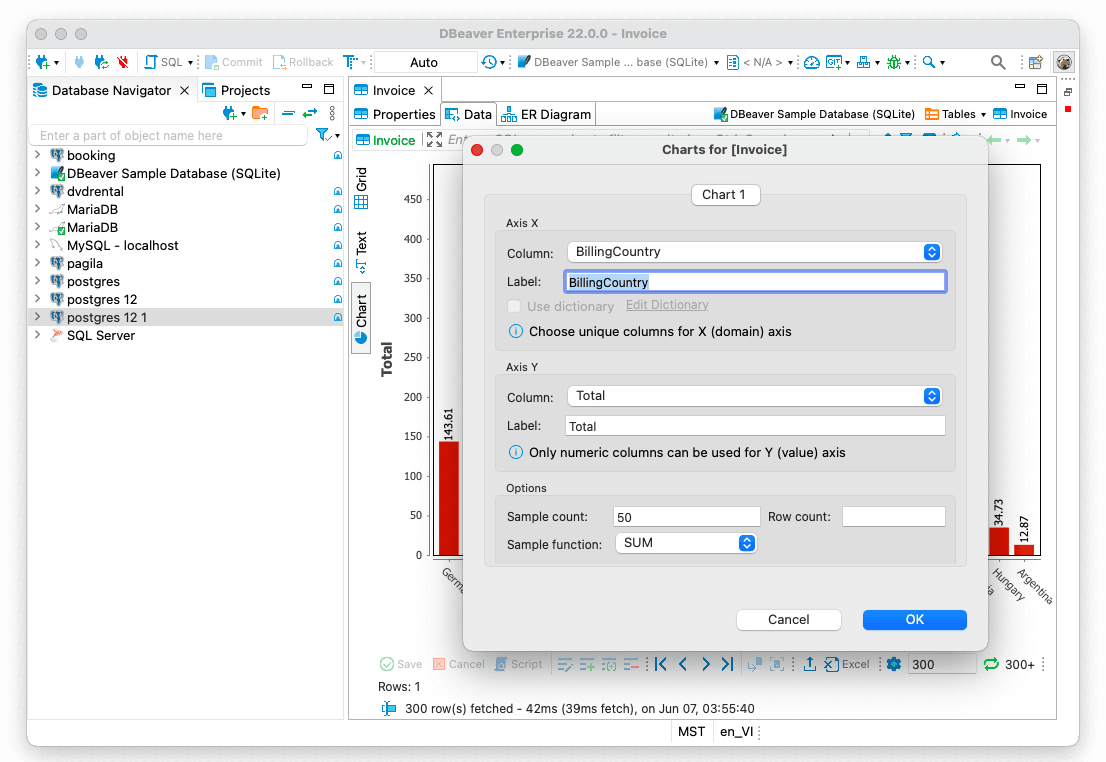
DBeaver on an Apple Device.
Source: DBeaver Blog
Another favorite for many data professionals is DBeaver. This SQL client has recently introduced AI-assisted database operations like the building and editing of SQL queries and troubleshooting errors, and is known for its versatility and commitment to open source standards. DBeaver has many capabilities and is database agnostic, but its UI comes with a learning curve. At the same time, if you’re searching for query visualizations, DBeaver may fit your requirements.
👍 Pros:
👎 Cons:
Summary
In this blog, we’ve discussed a bunch of SQL clients suitable for explain plan and SQL query visualization. Each tool has upsides and downsides unique to itself and that’s why there’s no one answer to the question what to choose?
The answer is: it depends…. (Of course, as always in the IT world!) That said, DbVisualizer has you covered with a dedicated, enterprise-grade, simple-to-use, and feature-rich Explain Plan feature.
Weigh all of the available options and their features, look into the list of supported databases, and grab a free trial where available. That should set you on the right track. Come back to TheTable for more gems in the future, and bye for now.