intro
In this blog, we’re going to walk you through your options if you find yourself managing Cassandra clusters.

If you find yourself using Cassandra, you’ve came to the right place!. In this blog post, we’ll walk you through everything you need to know to manage your Cassandra clusters safely and effectively.
Let’s discover the best SQL client for dealing with Cassandra clusters and how to choose it!
Why Use Cassandra?
Apache Cassandra, or just Cassandra for short, is an open-source NoSQL database designed to handle big data across a variety of servers. The selling point of Cassandra is that it can be architected to have no single point of failure.
That is because Cassandra clusters are distributed by design. there’s no master or slave. That means data is distributed across multiple nodes, all of which are equal and if one node goes down, the application continues running unaffected because all nodes are peers. Thus, Cassandra provides high availability.
Besides 24/7 uptime, another thing Cassandra is great for is write throughput. As it gives predictive performance at scale and is great for writes, it’s ideal to store IoT data, logs, messaging systems, or any data related to the activity of users (think session data, etc.)
Cassandra is also unique for its tunable consistency feature. Anyone using it can configure how many replicas must agree to each individual write or read operation, too.
Cassandra’s Characteristics
Since Cassandra has characteristics unique to itself (e.g., tunable consistency that can be optimized per node or a concept called Replication Factor that describes how many copies of data exist on Cassandra-based nodes), a SQL client, ideally, must adhere to most or at least some of them.
These days, many things can be done using AI, so why not start there? Go ahead: ask AI (ChatGPT or another AI chatbot) what SQL clients support Cassandra and what can they help you with by describing your use case.
I did ask ChatGPT about my use case, and the answer was, well, pretty much what I expected it to be:
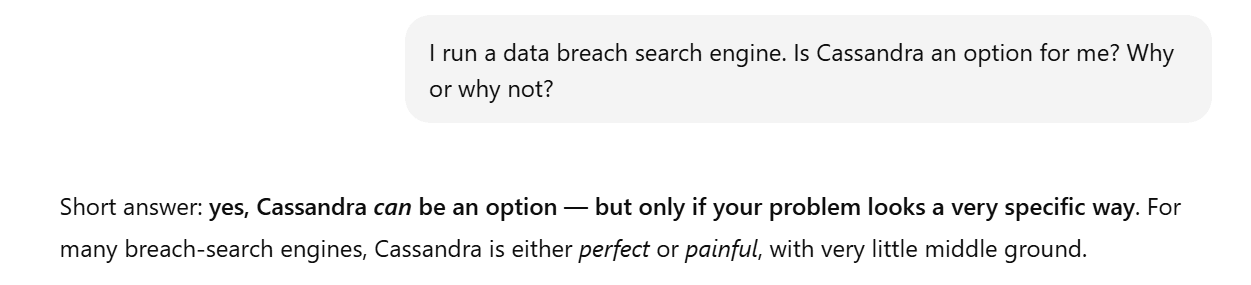
Cassandra is bad at partial searches. If you want to search for *@domain.com, it doesn’t shine. It’s bad with fuzzy matching, meaning LIKE and/or regex won’t fly either, meaning that it won’t be a good fit for a search engine that wants a DBMS to fit these characteristics.
On the other hand, Cassandra is good at firehose ingestion speeds and lookups based on a key and provides high availability. Is it your specific use case? If it is, great. If it isn’t, look the other way.
Choosing a SQL Client for Cassandra
Now, given your use case, if you think that Cassandra is a good fit (or if you’re already using it), let’s explore the best SQL clients for Cassandra.
DbVisualizer
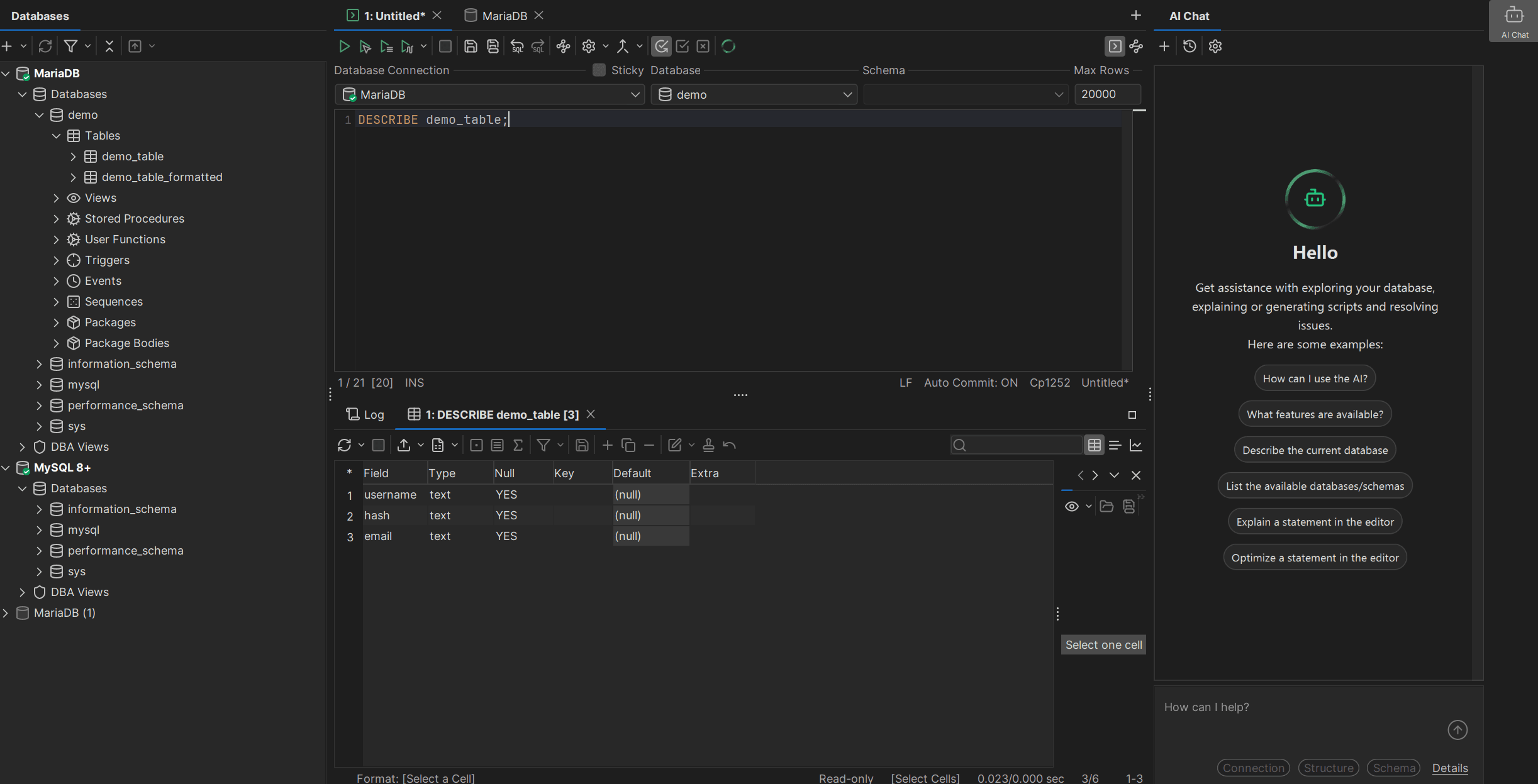
DbVisualizer supports Cassandra via JDBC, together with 50+ other database management systems. So, if your use case facilitates the use of other database management systems together with Cassandra (perhaps you use ClickHouse for analytics?), DbVisualizer would be great for that.
✅ DbVisualizer shines in:
Newer versions of DbVisualizer also come with a built-in AI chatbot.
DbGate
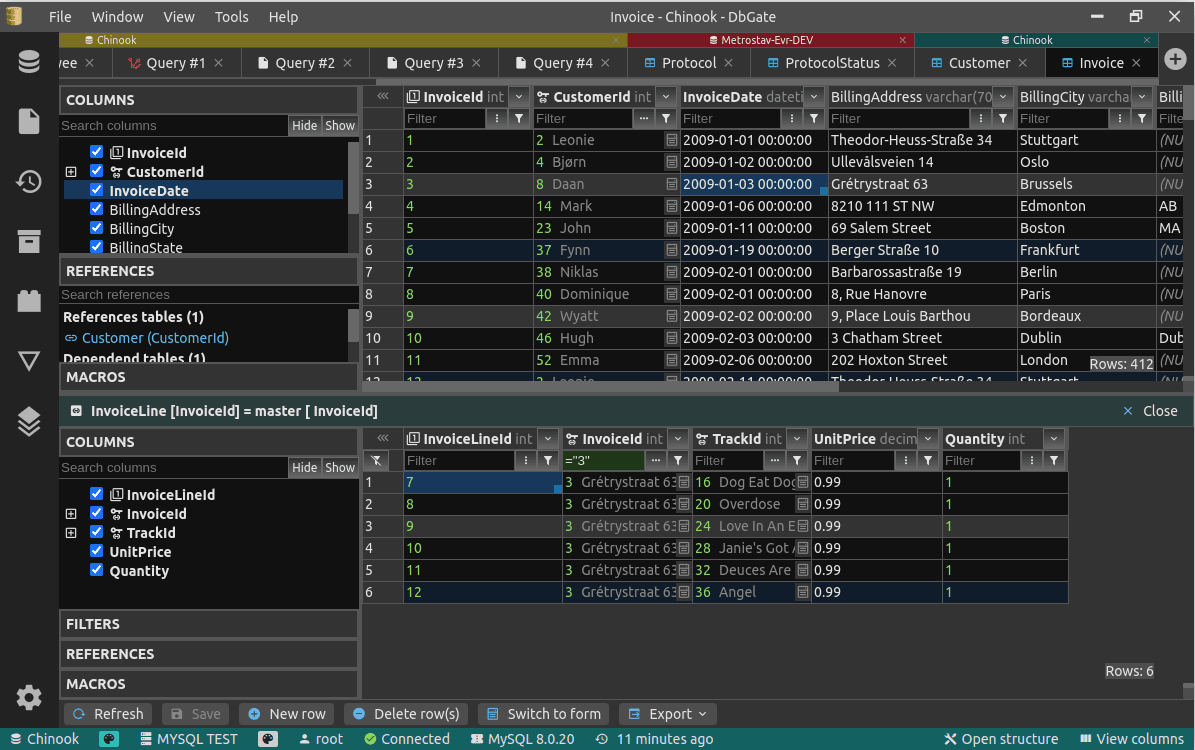
DbGate differs from many SQL clients simply because it’s available through the Web (as well as on Mac and Linux). Many of the features of DbGate overlap with the features offered by DbVisualizer, however, it has some features unique to itself.
✅ DbGate shines in:
At the same time, DbGate falls short of support for database management systems with only 17 database management systems supported, but as it also supports Cassandra, you may want to take a look into it as well.
DBeaver
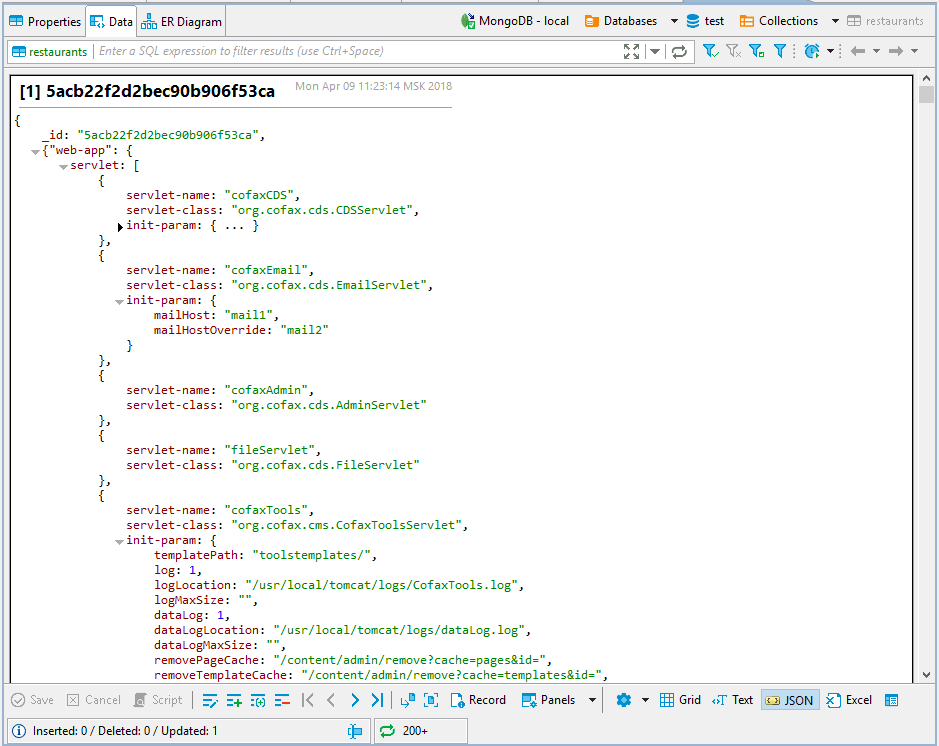
DBeaver is yet another popular option. Its PRO edition comes with support for over a hundred data sources, and Cassandra is on that list.
✅ DBeaver shines in:
As DBeaver is a popular option to begin with, it supports Cassandra, and provides a free trial for 14 days, you can try the tool to see if it meets your needs.
Summary
As Apache Cassandra is designed to handle big data across a variety of servers, SQL clients providing support for this DBMS also support a variety of other database management systems that may be used in conjunction with Cassandra, such as BigQuery or ClickHouse.
Some of the available options differ from others by the way data is accessed (DbGate provides exclusive access to your databases through the Web) and all of them have downsides unique to themselves, however, weigh your decision before making an educated choice, and you should be good to go with anything you desire, be it Cassandra, ClickHouse, MariaDB, or anything else of your choice.
With that said, you may want to grab a free trial of DbVisualizer to see its capabilities in action today before going away; perhaps it’s a fit for some other use cases that concern you, too?
FAQ
What is Cassandra?
Apache Cassandra, or just Cassandra for short, is a NoSQL database known for its support for high availability, scalability, and fault tolerance. Developers and DBAs often use Cassandra in use cases that necessitate the handling of bigger data sets across multiple datacenters and count on it to remain available even in the event when other nodes fail.
Why should I use DbVisualizer?
Consider using DbVisualizer with Cassandra or other kinds of database deployments of your choice because DbVisualizer is known for balancing usability, safety, and productivity. Its user reviews speak for themselves.
Does DbVisualizer support AI?
Yes, the most recent version of DbVisualizer (at the time of writing, that’s DbVisualizer 25.3) does support AI in the form of a chatbot. The AI feature in DbVisualizer is still in active beta.