SQL
SQL clients

Best Tools for Role-Based Access Control (RBAC) in SQL Databases in 2026

intro

This blog will walk you through a set of tools that will help you implement Role-Based Access Control (RBAC) in your databases.

Tools used in the tutorial
Tool Description Link
Dbvisualizer DBVISUALIZER
TOP RATED DATABASE MANAGEMENT TOOL AND SQL CLIENT

In this complex world, it’s impossible not to notice the abundance of tools for managing databases across different environments. When it comes to role-based access control, the question is: which one should you choose, and why? Let’s find out!

What Are Your Options?

First, what are your options when searching for tools to implement Role-Based Access Control (RBAC) into your database? What do you look for first? Many of you would probably start by saying “SQL clients” and you wouldn’t be wrong.

The problem, though, is that SQL clients these days aren’t few and far between. It’s about evaluating your requirements, then making and educated choice, and hoping you weren’t wrong in the process. Here’s how to choose!

The Best Tools for Role-Based Access Control (RBAC) in SQL Databases

Role-based access control isn’t a child’s play. It’s how your databases know who to entrust with access to your most precious assets including usernames, passwords, email addresses, and sometimes even credit card details.

Choose wisely, as one wrong choice in this area may be the difference between life and death for your application, database, or even entire business alike!

DbVisualizer
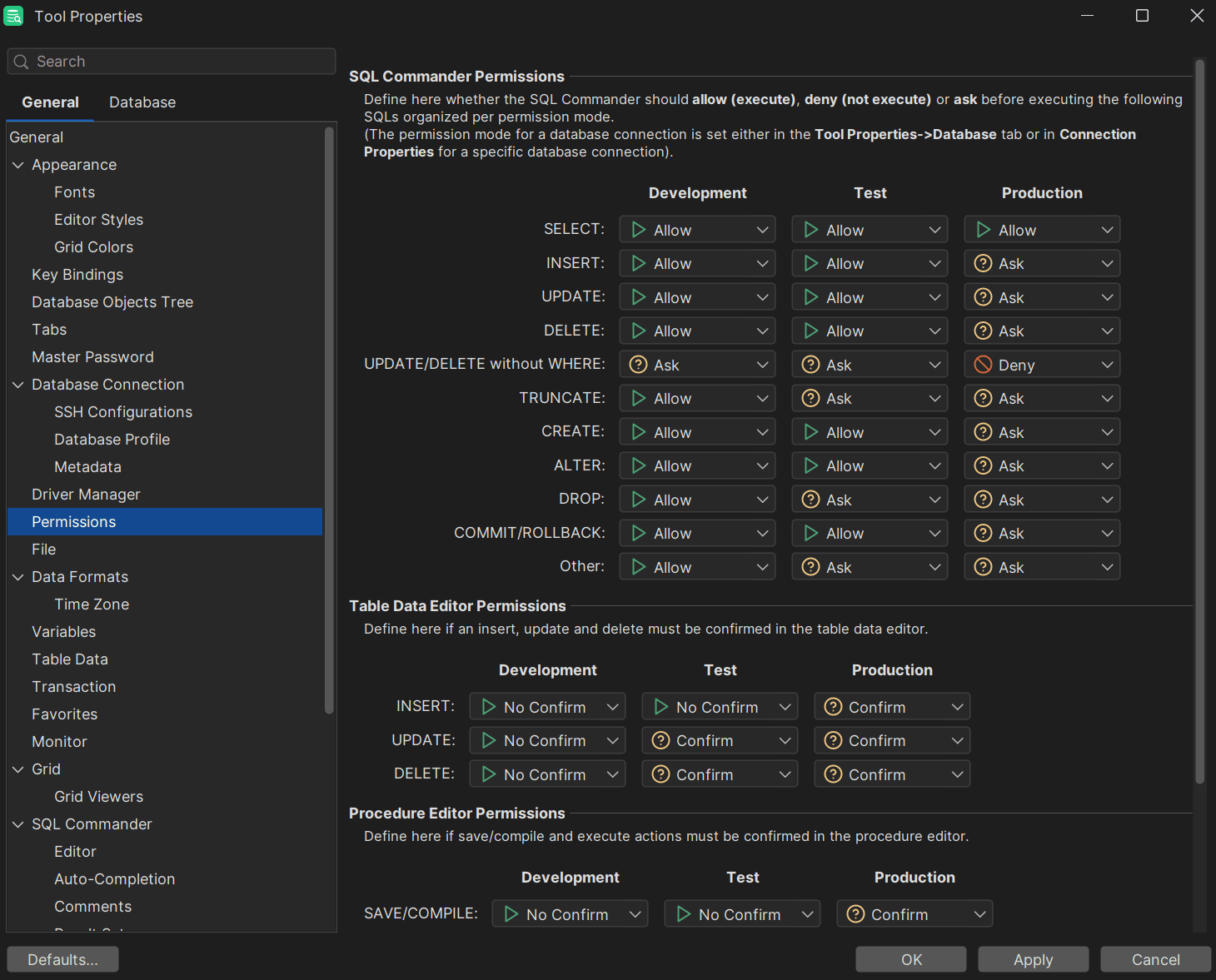
The permissions tab of DbVisualizer

DbVisualizer is rated 1st place on G2.com with a rating of 4.7 out of 5.0 and that’s not without a reason. With support for more than 60+ data sources, you will certainly find your database in the list, and with its features, all of your data will surely reside in servers while being safe and sound.

Below is what DbVisualizer can do for you:

  1. Meets rigorous security standards: Every part of DbVisualizer has been meticulously engineered to meet security standards like HIPAA, GDPR, CCPA, and the rest. That means that you can sleep soundly at night knowing that your data is safe. Your data will be safe because DbVisualizer comes with a well-known access control feature allowing you to deny or allow the execution of certain types of queries and beyond.
  2. Support for a master password: You can set a master password required to access DbVisualizer. While optional, it can be useful for preventing unauthorized access to your work
  3. Powerful SQL editor: There’s a reason why DbVisualizer’s SQL editor is called the “SQL commander.” Its because the commander can, quite literally, command your queries to format themselves, reveal their history, craft macro scripts, and so much more.
  4. Support for more than 60 data sources and databases: DbVisualizer supports tens of databases from ClickHouse to MySQL, so you will surely find your own data source in the list.

However, everything has downsides. DbVisualizer has them too:

  1. DbVisualizer comes with a premium price tag for full functionality: all premium tools have premium price tags. DbVisualizer is not an exception, though it does offer a 21-day free trial so everyone can take it for a spin.
  2. UI/UX changes: DbVisualizer has been around for a while, and with every tool that has been on the market for years, it has undergone significant changes that impacted how the tool looks, feels, and functions. Big changes to UX don’t happen that often, but they may disorient some users.

DBeaver

DBeaver
DBeaver

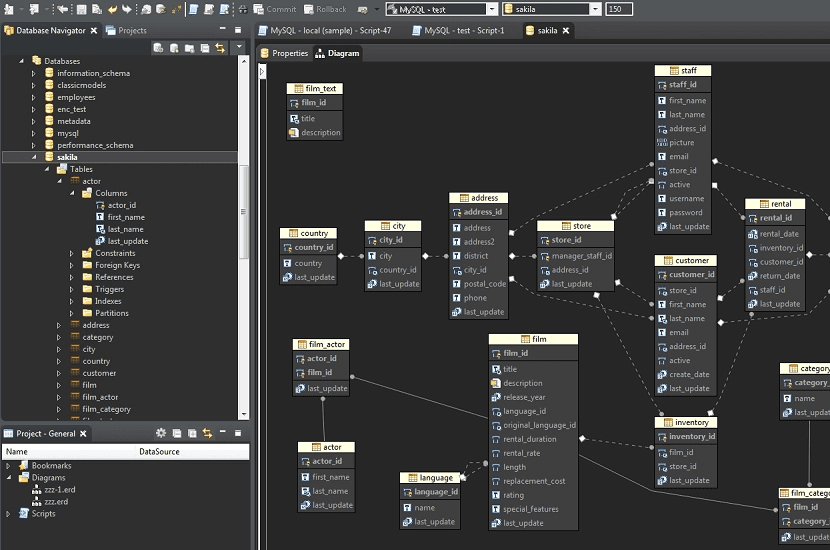
Another tool worth taking a look at as far as RBAC goes would be DBeaver. While DBeaver’s Role-based Access Control capabilities would primarily only be available in paid versions, it has many things worth taking a look at including, but not limited to:

  1. Features allowing anyone to manage user access to database connections, projects, and other functions based on assigned roles: As already mentioned, DBeaver’s RBAC features aren’t available in its free edition, but regardless, such features may be an immensely powerful tool when informing you on what’s happening with your database.
  2. DBeaver has a so-called “Command Palette” where you can find any action within the tool: Some may not be aware of it, but DBeaver comes with a powerful “Command Pallete” where if you open a search bar (that’s CTRL/CMD + the key “3” depending on the OS of your choice), you would be able to peruse it to search for any action within the tool. Pretty cool, huh?
  3. Generative lists for SELECT queries: DBeaver allows you to drag-and-drop tables into the SQL editor to generate SELECT queries that may then be used to return results from your databases and tables within them.

However, DBeaver:

  1. Isn’t good with big data sets: Both AI and reports online suggest that DBeaver may struggle with managing bigger data sets, so you may want to think twice before loading 10 billion records into a database managed by the tool.
  2. Resource-intensive: Some reports state that DBeaver may be resource-intensive and that the tool may not be a good choice for those of you running lower-end servers or computers.

Adminer

Adminer 5.4.2
Adminer 5.4.2

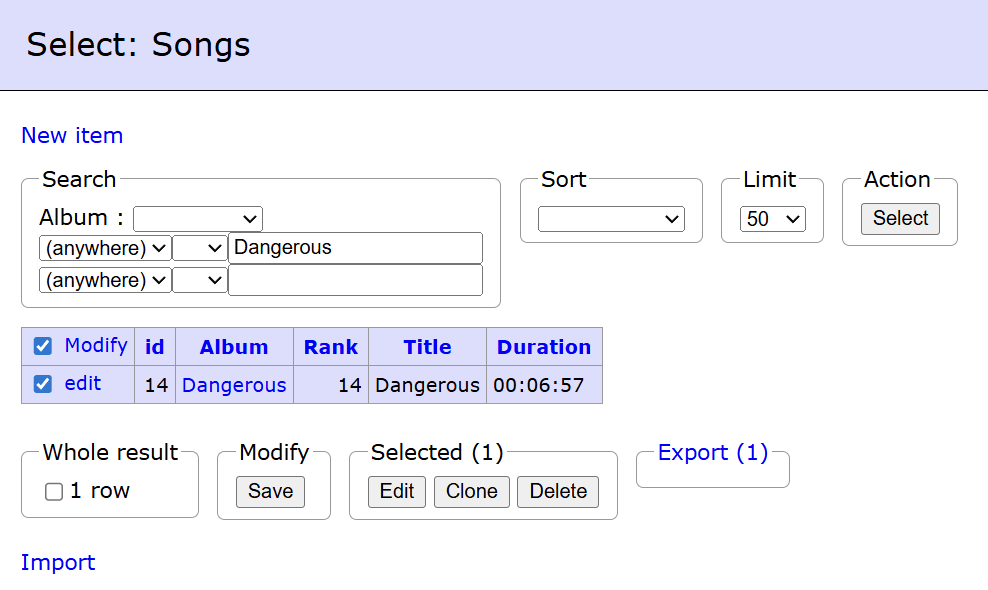
Adminer is a lightweight alternative of phpMyAdmin and pgAdmin. Some love the tool for its lightweightedness, others love it for its old-school design. No matter your reason, Adminer can assist you in various areas because:

  1. The tool is free: Adminer is known for its basic design, but also for its price which is a whopping 0 dollars. It doesn’t have a load of advanced features like the tools discussed above, but when you pay nothing, should you expect the moon?
  2. Adminer supports multiple databases: Adminer can connect to MySQL and MariaDB, PostgreSQL, SQLite, SQL Server and Oracle, and also MongoDB via plugins.
  3. The tool comes with extensibility features: It is true that many users of Adminer may say that the tool is basic. Adminer has thought of that and it comes with extensibility features allowing the community to extend its functionality as it desires.

At the same time, it comes with:

  1. Basic RBAC features: To say that Adminer provides powerful Role-Based Access Control (RBAC) features would be a whopping lie. Its RBAC features are relatively basic compared to more complex tools like DbVisualizer.
  2. Single-user access and no advanced design: Adminer is a single-user tool, meaning that if you work in a team, you will be ill-equipped to handle advanced challenges and you’re better off looking at other SQL tools.

Summary

To summarize, the best tools for role-based access control would be DbVisualizer if you’re looking for an overall best option, DBeaver if you are looking for something similar to DbVisualizer but it doesn’t satisfy you, and, if you’re after simplicity and no cost, Adminer. Each of them has quirks and features unique to themselves, but since you’ve reached the end of this blog, when to choose which should be clear as water.

FAQ

What is the best tool for RBAC?

The best tool for enforcing role-based access controls would be DbVisualizer due to its powerful ERD schema generation capabilities, SQL commander, and various other features unique to itself.

How best to secure my database?

To secure your database, don’t sheer too far away from basic security measures: don’t forget password security, enforce strict security measures for the data in your database, and of, course role-based access control, and you should be good to go.


Dbvis download link img
About the author
LukasVileikisPhoto
Lukas Vileikis
Lukas Vileikis is an ethical hacker and a frequent conference speaker. He runs one of the biggest & fastest data breach search engines in the world - BreachDirectory.com, frequently speaks at conferences and blogs in multiple places including his blog over at lukasvileikis.com.
The Table Icon
Sign up to receive The Table's roundup
More from the table
Title Author Tags Length Published
title

The Best MySQL GUI for macOS: Top 4 Alternatives to Workbench

author Leslie S. Gyamfi tags SQL SQL clients 7 min 2026-04-20
title

Best Cross-Platform Database IDEs in 2026

author Lukas Vileikis tags SQL clients 6 min 2026-04-13
title

Database Clients: A Security Comparison of the Most Popular Tools

author Lukas Vileikis tags SQL 5 min 2026-04-09
title

SQL Interview Questions and Answers: Part 2 — Problems & Solutions

author Lukas Vileikis tags MARIADB MySQL SQL 7 min 2026-04-06
title

Comparing Git Support in Popular SQL Clients

author Leslie S. Gyamfi tags SQL SQL clients 7 min 2026-04-02
title

SQL Interview Questions and Answers: Part 1 — The Basics

author Lukas Vileikis tags DBMS MARIADB MySQL POSTGRESQL SQL SQL SERVER 10 min 2026-03-30
title

Best SQL Clients for Startups in 2026: Complete Comparison

author Antonello Zanini tags Recommendations SQL clients Startups 10 min 2026-03-02
title

Best DbGate Alternatives for SQL and NoSQL Management

author Antonello Zanini tags Database clients DbGate SQL clients 10 min 2026-02-23
title

dbForge Alternatives for SQL Management

author Antonello Zanini tags Database clients SQL clients 10 min 2026-02-16
title

Best SQL Clients for SSH Tunneling and Secure Access in 2026

author Lukas Vileikis tags SQL clients 5 min 2026-02-09

The content provided on dbvis.com/thetable, including but not limited to code and examples, is intended for educational and informational purposes only. We do not make any warranties or representations of any kind. Read more here.