CONSIDERED ENGINEERING
Features
DbVisualizer has everything you need to build, manage and maintain state-of-the-art database technologies.



Jump to
AI Assistant
Ask, explain, and analyze
With the built-in AI assistant, you can ask questions about your database, get explanations for query errors, and analyze your code
directly in the editor. You’re always in control. DbVisualizer’s AI features are optional and are only enabled when you explicitly opt in.
Ask questions
Ask anything about your database and get tailored answers.
Explain errors
Ask the AI to explain a failed query and suggest a fix.
Analyze code
Get answers about your current query and apply AI suggestions directly.
sql editor
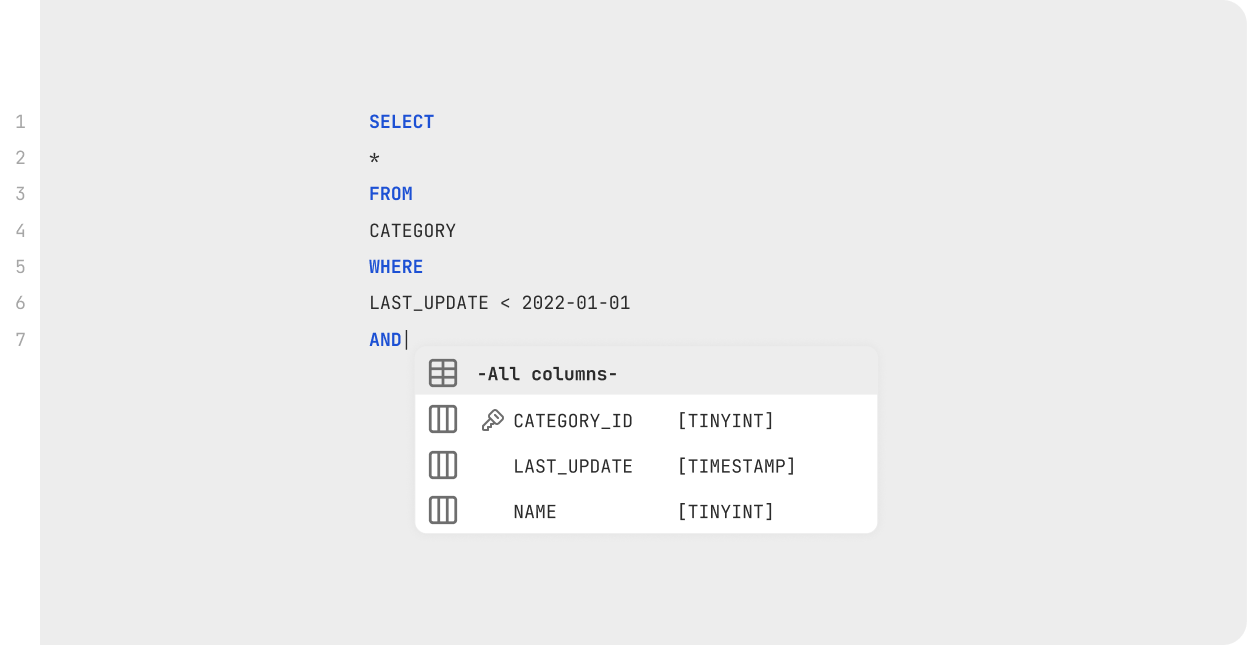
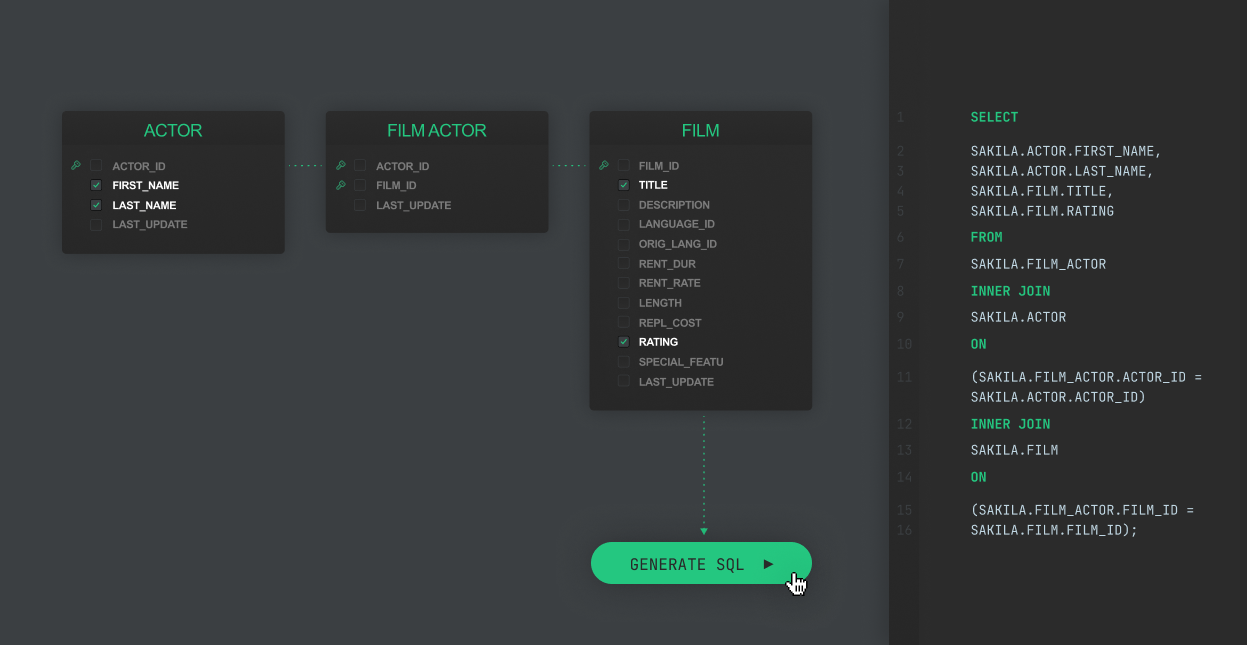
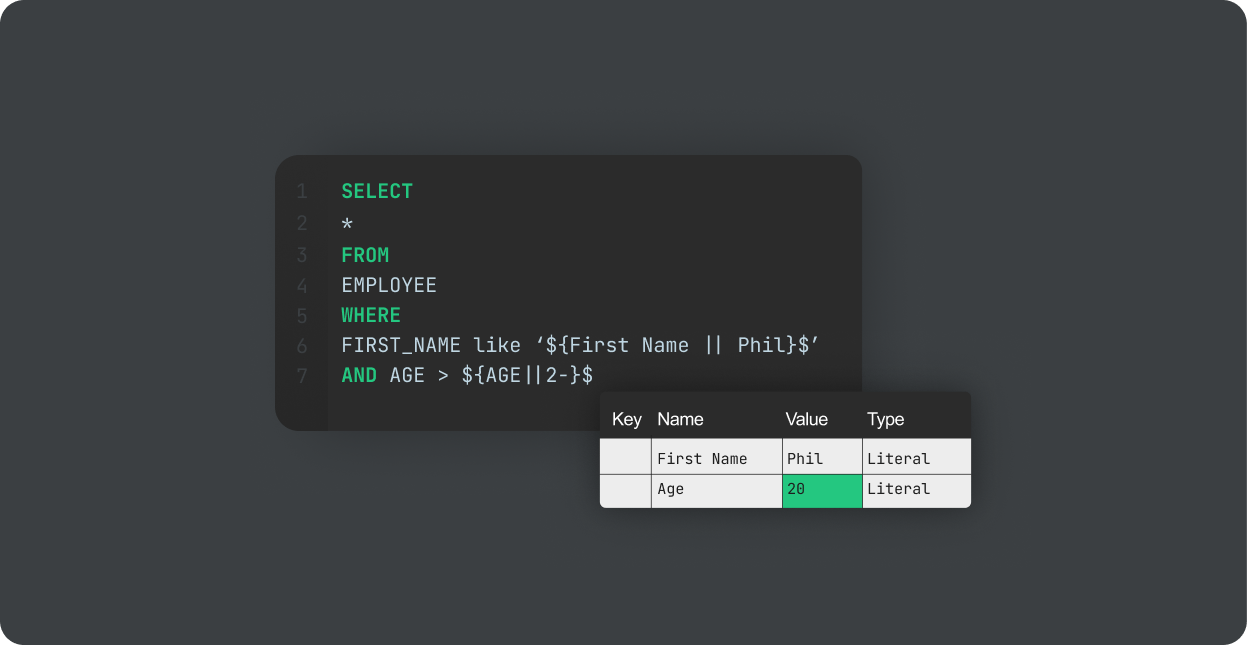
Simple coding
With the help of intelligent autocomplete, visual query builders, variables and much more, we are able to let users spend less time on mundane coding tasks, and more time on actual problem solving.
database management
Extensive support
for most popular
data sources
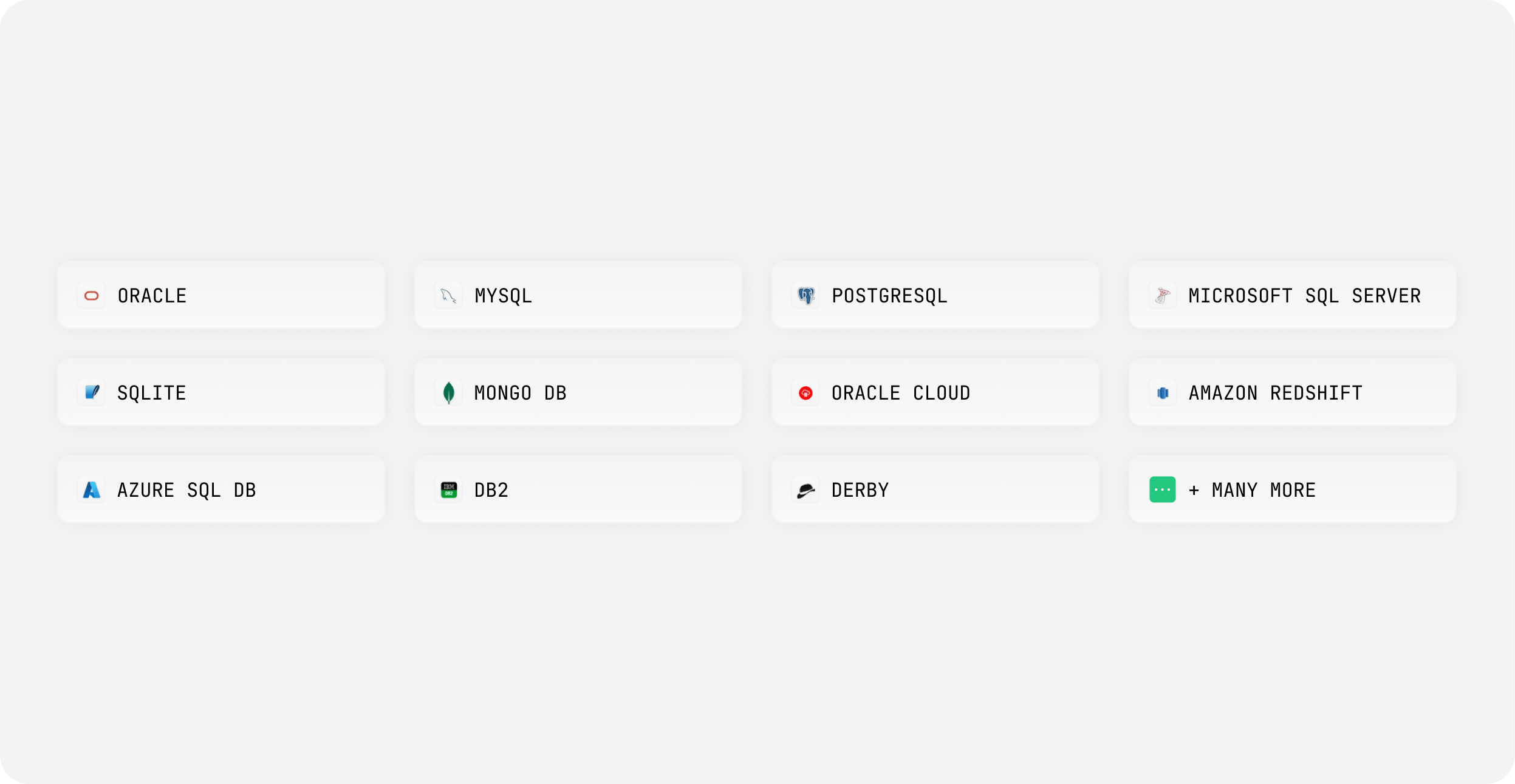
You’ll be able to connect to most popular data sources and work with their custom object types directly in the client.
data management
The power of SQL with
the simplicity of a spreadsheet
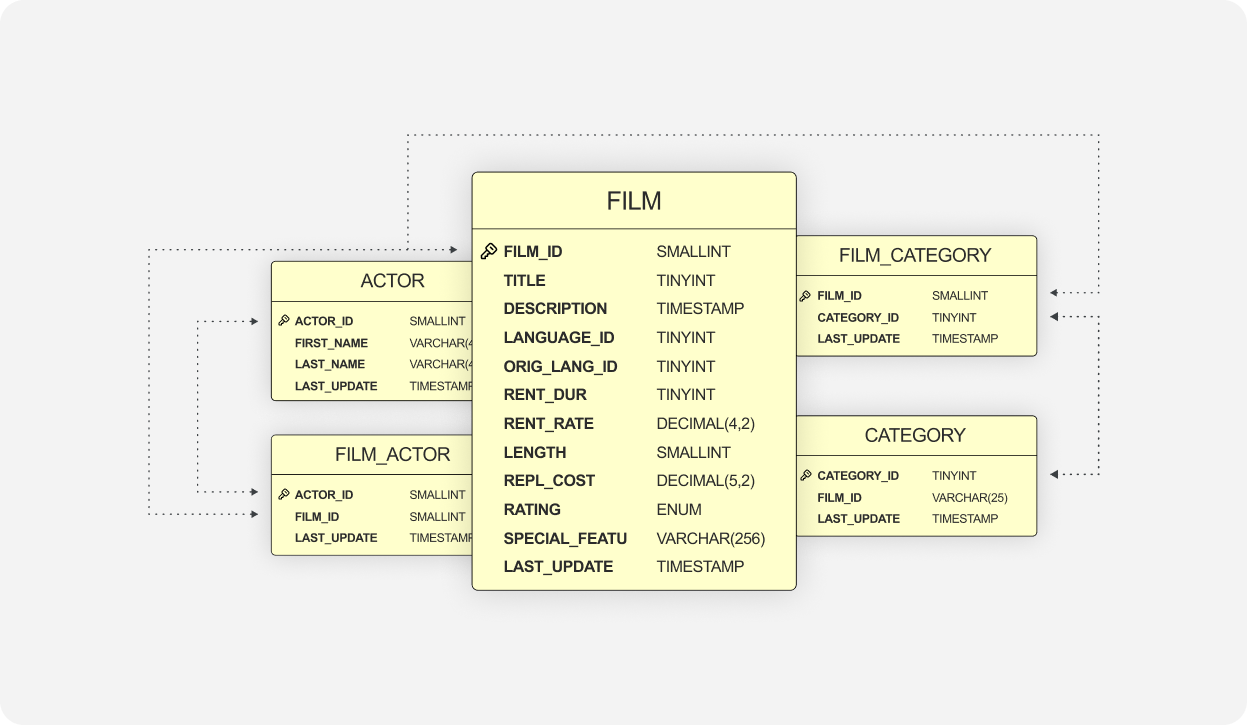
DbVisualizer lets you visualize, manage and edit data with the power of SQL and simplicity of a spreadsheet.


workflow
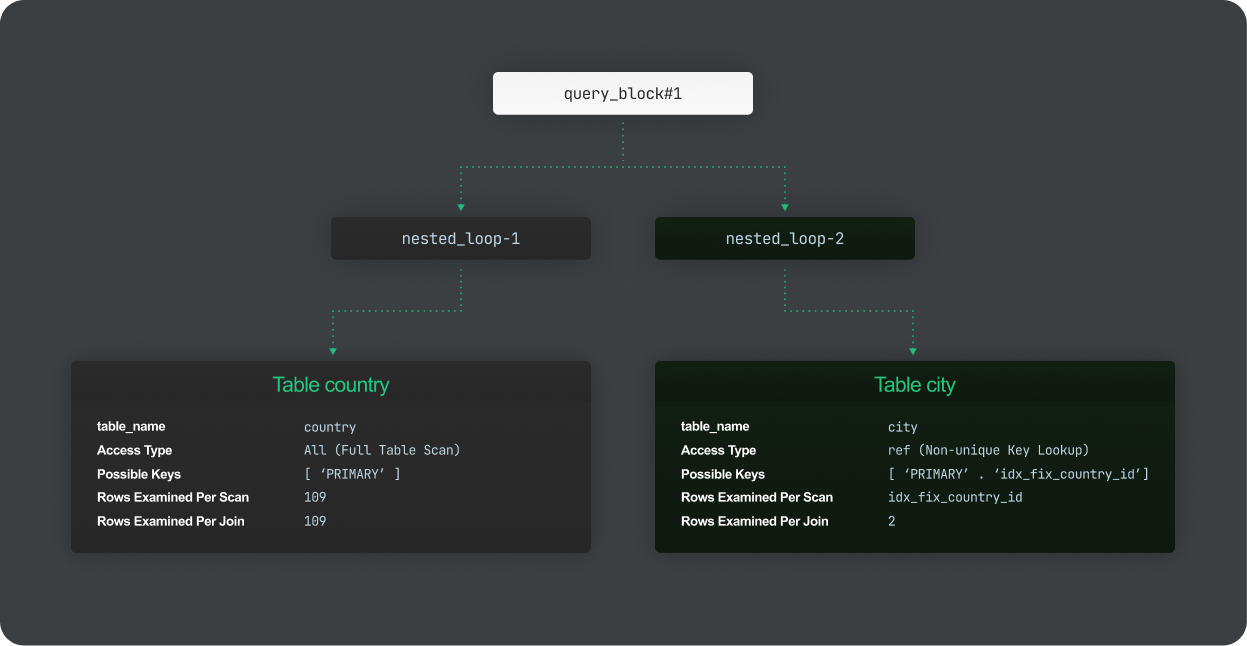
Tailored to your workflow
You’ll be able to connect to most popular data sources and work with their custom object types directly in the client.


security
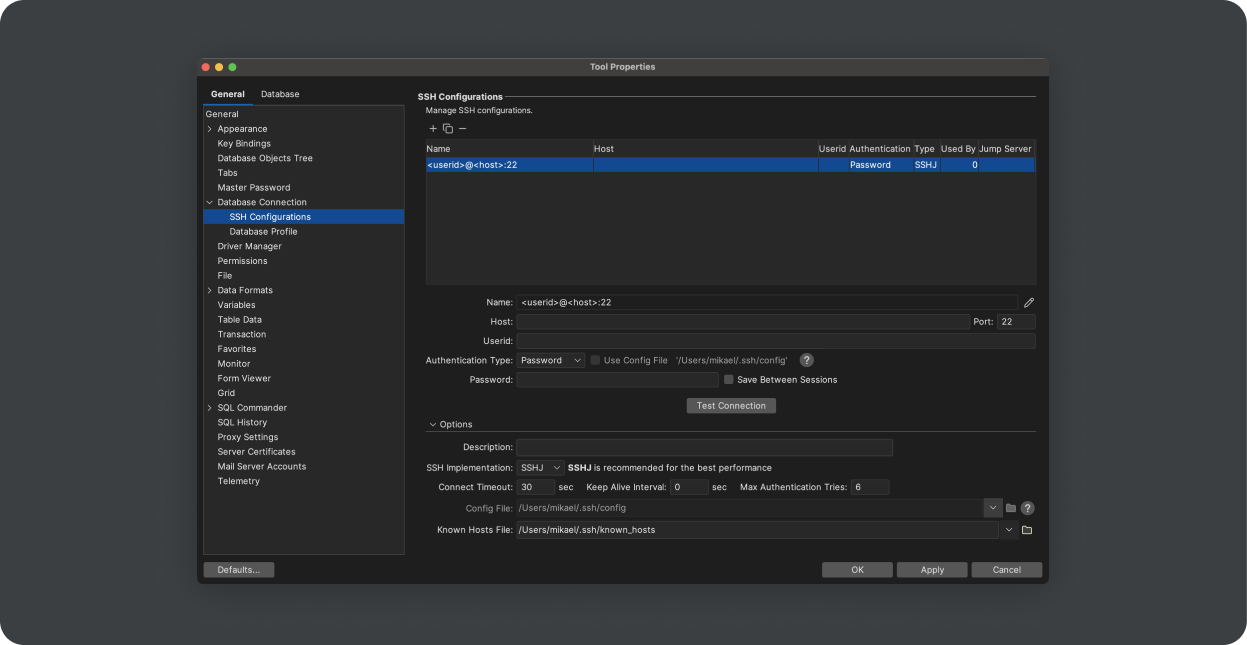
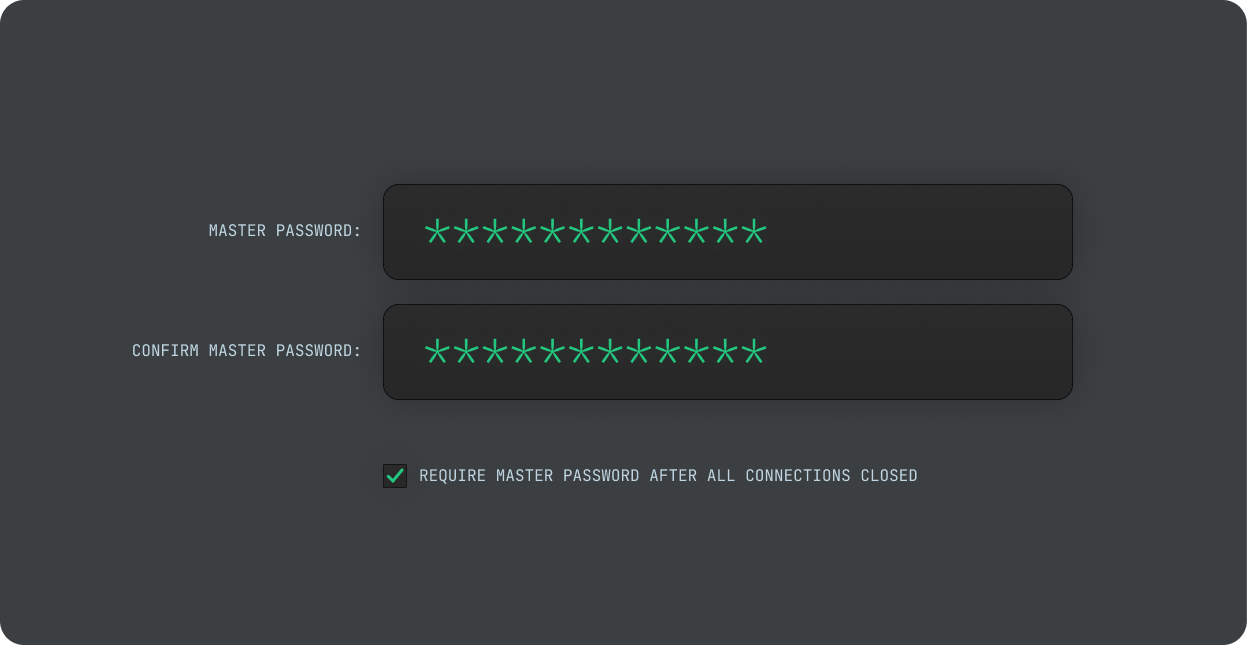
Built to meet rigorous security standards
DbVisualizer is set up to meet the toughest security standards. Encrypt data, restrict access, and more.