Changing the Database Password
This is supported for Oracle, MySQL and MariaDB.
If your password has expired, a message about it is shown in the Connection Message area of the connection when you connect. You can then change the password in the Connection tab:
- Open the Object View tab for the connection.
- In the Authentication area, select Change Password.
- Enter the new password in New Password.
- Click Connect.
DbVisualizer connects and changes the password, and the Database Password field is updated with the new password. You can also change the password before it expires.
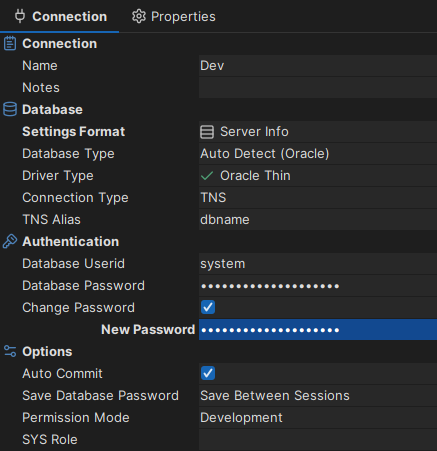
Change Password is only shown when the driver supports it.